
Stop Doomscrolling and Start Your Next Chapter: The 11 Best iPhone Apps for Every Reader

Your iPhone is already a great reading device. The screen is sharp, the brightness is easy on the eyes, and you always have access to hundreds of thousands of books with you. The problem is that most people try to read on their iPhone the same way they scroll: a little bit here, a little bit there, and suddenly you’ve spent 20 minutes jumping between apps without finishing a single chapter.
The right reading apps change that. They give you a clean place to read without visual noise, make it easy to save articles for later, keep your spot across devices, and let you switch between ebooks, audiobooks, newsletters, and comics without turning your phone into a cluttered mess.
Whether you want to get more serious about reading or you’re just looking for better, more comfortable ways to read and manage your books on the go, check out 11 of our favorite ways to turn your iPhone into the ultimate library.
Apple Books
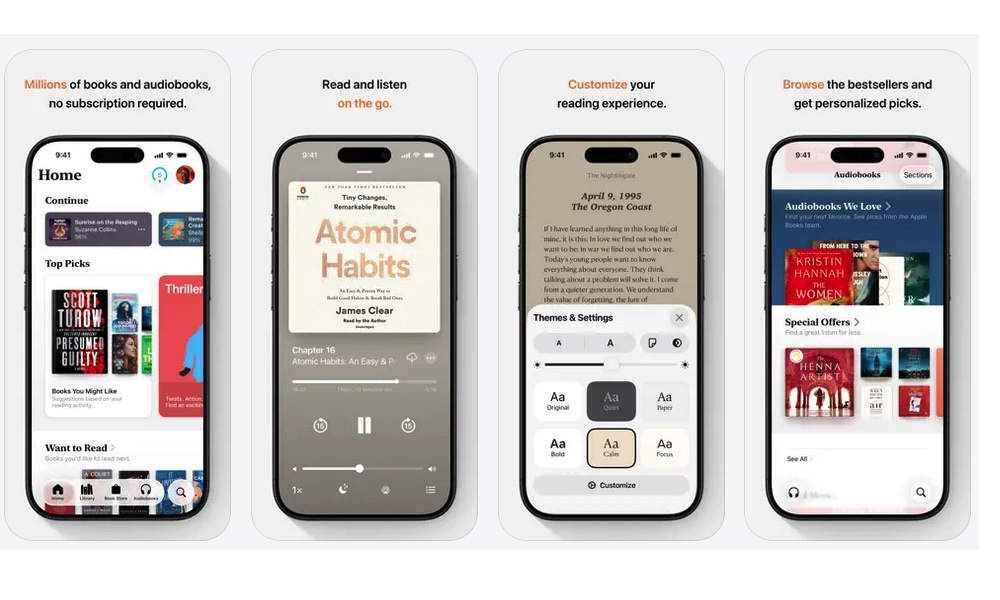
Apple Books is the easiest way to start reading immediately because, as you would expect, it works great on your iPhone. If you’ve never used it, it’s worth a look.
The app has gotten better at the little things that matter in your everyday experience, like making text comfortable at night, keeping your place automatically, and letting you highlight passages without fuss.
The reading experience is clean and straightforward. You can adjust fonts, themes, brightness, and line spacing until it feels right for your eyes. And if you’re the type who likes to underline ideas or save quotes, the notes and highlights stay organized, which makes it surprisingly useful for school, research, or even just remembering what you liked in a book.
If you also use an iPad or Mac, syncing is one of the biggest advantages here. Your progress and notes can follow you, so you can read on your phone during the day and pick up right where you left off later on a bigger screen.
You can buy any type of book inside the app, or load in your own PDF files in case you want to study or read an important paper from the same place. It also supports audiobooks, whether you've purchased them from Apple's Book Store or Audible, although you'll need to load your Audible books in manually as there's no direct sync.
Amazon Kindle
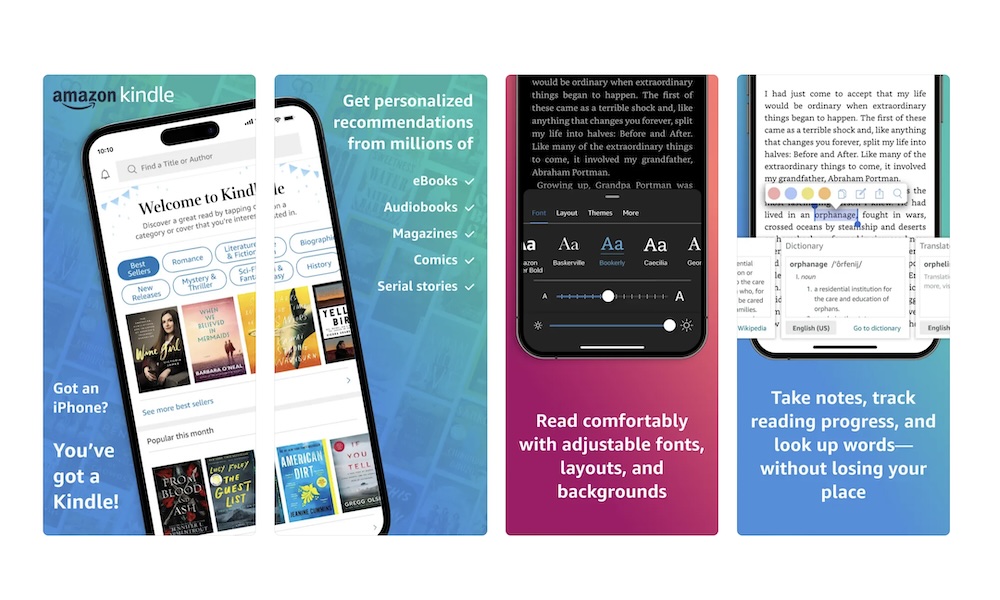
Even if you’ve never owned a physical Kindle e-reader, the Kindle app is still one of the best reading apps on iPhone. Amazon’s ecosystem is massive, and many people already have Kindle books from years ago, which makes this an instant win the moment you sign in.
Kindle’s sync is the main reason people stick with it. You can read a few pages on your iPhone, switch to another device later, and it remembers exactly where you stopped. That sounds basic, but if you’ve been forced to find where you left off manually, you know it’s a huge difference. Plus, the new AI-powered "Story So Far" tool is a lifesaver if you're returning to a complex novel after a break.
The app also does a great job with highlights and notes, especially if you like saving quotes for later. You can make reading feel more comfortable with font adjustments and themes, and the app usually runs smoothly even with large books and big libraries.
Just like many of the other apps on the list, you can import your own PDFs in case you want to read something that’s not on Amazon. Speaking of Amazon, it constantly has some crazy deals throughout the year, with many books offered entirely free or included with a Prime membership.
Libby, the Library App
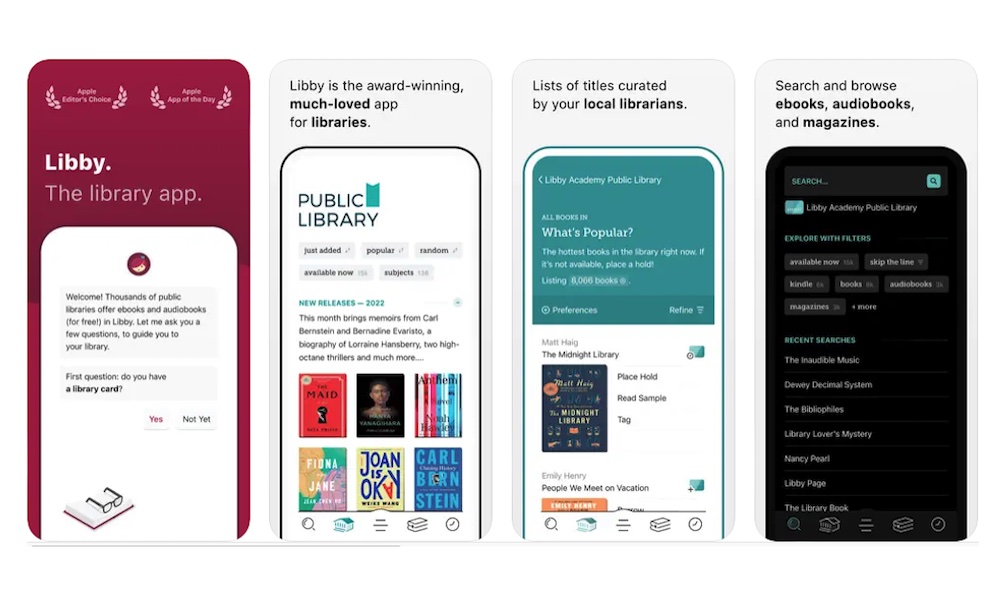
Libby is one of the most valuable reading apps you can install because it can make reading feel free. If your local library supports it, Libby lets you borrow ebooks and audiobooks with a library card, and you can do it straight from your iPhone without going anywhere.
The experience is simple: search for a title, borrow it if it’s available, or place a hold if there’s a waitlist. The hold system is especially nice because it gives you a nice way of knowing what you’ll be reading later. You’ll forget about a book for a week, then it pops up ready to borrow right when you’re in the mood.
Libby’s built-in reader works well, and the audiobook player is reliable, too. It also makes it easy to customize it, so you can read without having to wear your glasses or hurting your eyes with light mode.
Audible: Audiobooks & Podcasts
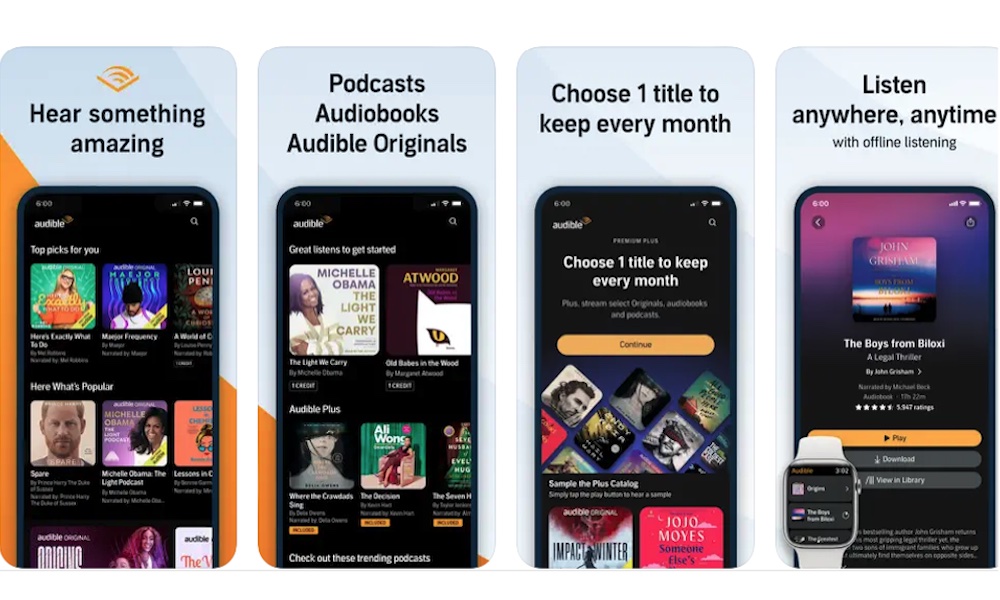
Audible is the go-to audiobook app, and it’s popular for a reason. If you like audiobooks and you want a deep catalog with consistent quality, Audible tends to deliver. It’s also a great way to make reading fit into moments where you can’t stare at a screen, like commuting, cooking, cleaning, or walking.
The controls are where Audible shines. Playback speed, sleep timers, bookmarks, and easy navigation make it feel like it was designed by people who actually use audiobooks daily. And once books are downloaded, you can listen offline, which matters more than you’d think when you’re traveling or dealing with a spotty signal.
While it isn't the cheapest option — individual audiobooks can be pricey — the sheer quality makes it a worthy investment, and there are subscription plans available for avid listeners. If audiobooks are your main way of reading, Audible can become the app you open more than anything else.
Kobo Books & Audiobooks
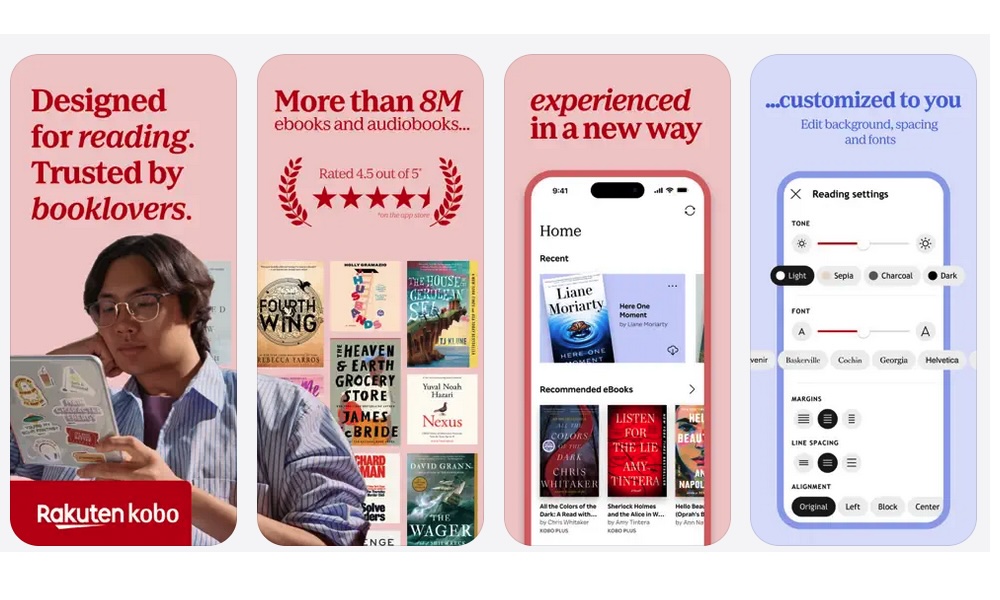
Kobo is a solid alternative for anyone who wants a great reading experience without living entirely inside Apple or Amazon. The app supports ebooks and audiobooks, and it’s especially appealing if you like the idea of a separate ecosystem with its own store, syncing capabilities, and reading tools.
And just the other options, Kobo lets you track progress and reading stats instantly. Combine that with a polished interface that feels designed for readers, and you get yourself a great and reliable app for bookworms. If you care about building a reading streak or tracking how long books take you, Kobo’s little insights can be motivating without being annoying.
It’s also a good option if you already have Kobo purchases or you use Kobo hardware, since the app keeps everything synced across devices.
Google Play Books & Audiobooks
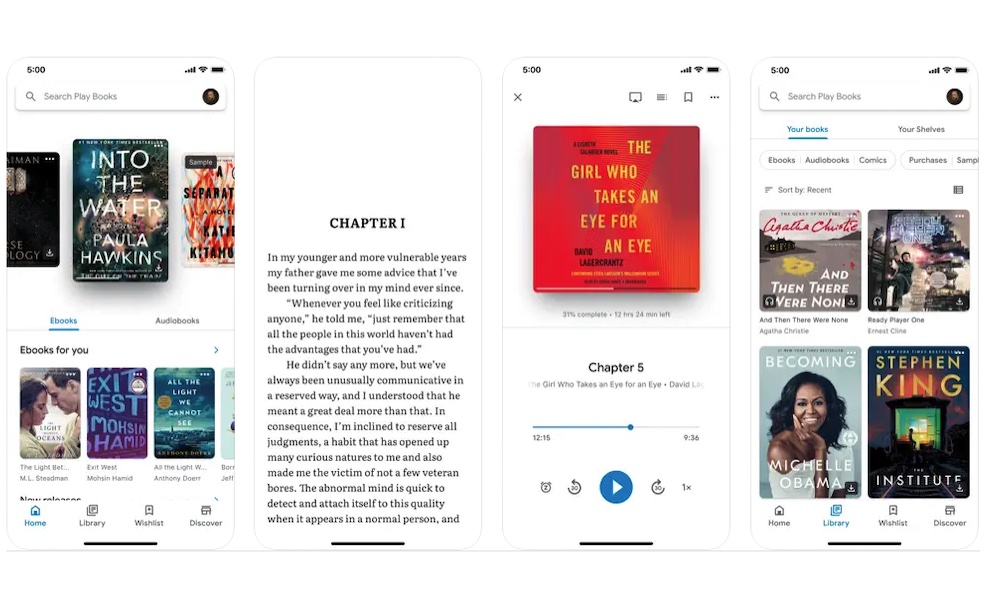
Google Play Books is one of the most flexible reading apps on iPhone, especially if you have a mix of file types and sources. It works as a store and a reader, but the real advantage is how it handles your other files. If you’ve collected PDFs, ebooks, or documents you want in one place, this can be an easy way to keep them accessible on your phone.
The reading tools are strong, too. You can highlight, adjust fonts, and make the experience comfortable. And if you jump between platforms sometimes, this app tends to fit well into a cross-device life.
As a store, you’ll find tons of titles, sometimes going on sale. You might even find some really good titles like Frankenstein, available for free.
For anyone who reads a lot of PDFs, manuals, or work-related documents, Google Play Books can quietly become the app you rely on the most.
Instapaper
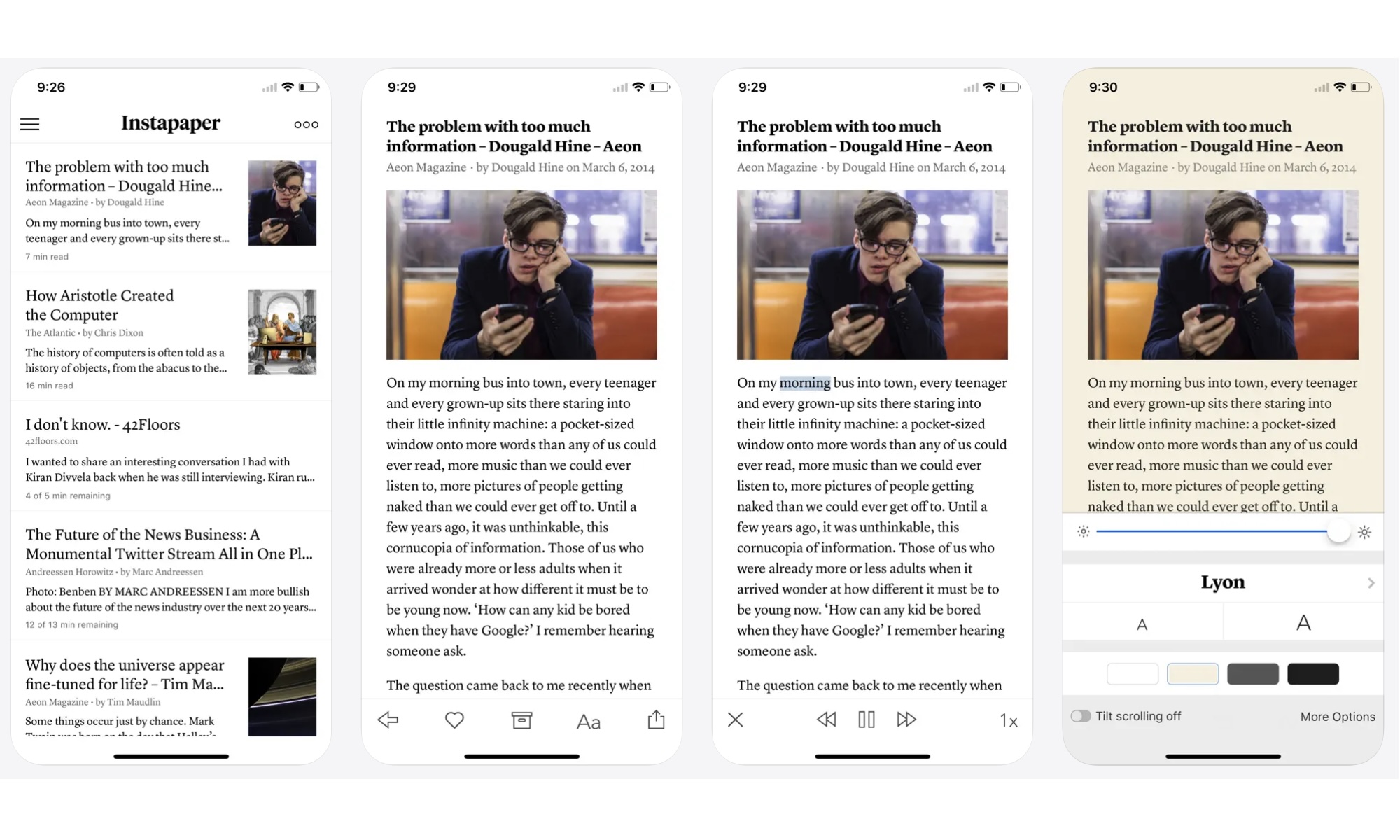
Instapaper is the perfect app for people who actually want to finish long articles or save them for later. It’s fast, minimal, and it doesn’t feel like a convoluted app filled with extra fluff. You save something, open it later, and the app gets out of your way.
It’s also great for anyone who reads for work or research. Highlights and notes help you pull out key ideas without taking screenshots or copying text into a separate app. And because it’s designed for longer reads, it often feels calmer than trying to read the same article inside a browser full of pop-ups.
If you want a clean reading queue that stays focused on reading, Instapaper is hard to beat.
Readwise Reader
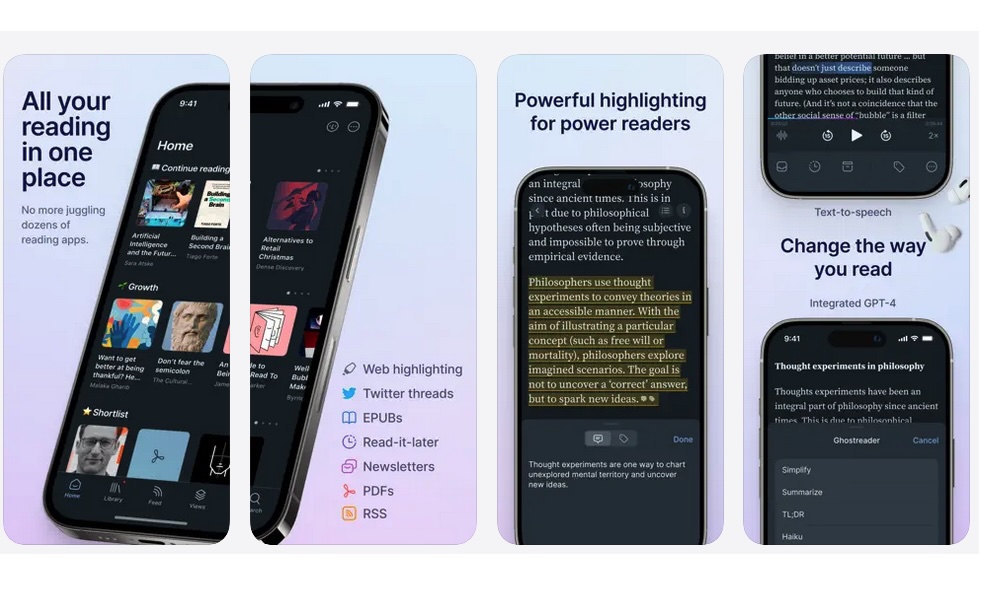
Readwise Reader is for people who don’t just read a lot, but also want to keep what they read in one place. It’s built like a Swiss Army knife so that articles, RSS posts, newsletters, PDFs, and saved highlights can all live in one place.
The reason power readers love it is that it makes handling your reading list incredibly easy. You can organize your files, export them, and actually build a personal knowledge library instead of losing ideas to the void.
It’s not the simplest app on this list, but that’s the point. If you want something basic, Instapaper is easier. If you want a reading command center, Readwise Reader is the kind of app you set up once and then wonder how you ever managed without it.
StoryGraph: Reading Tracker
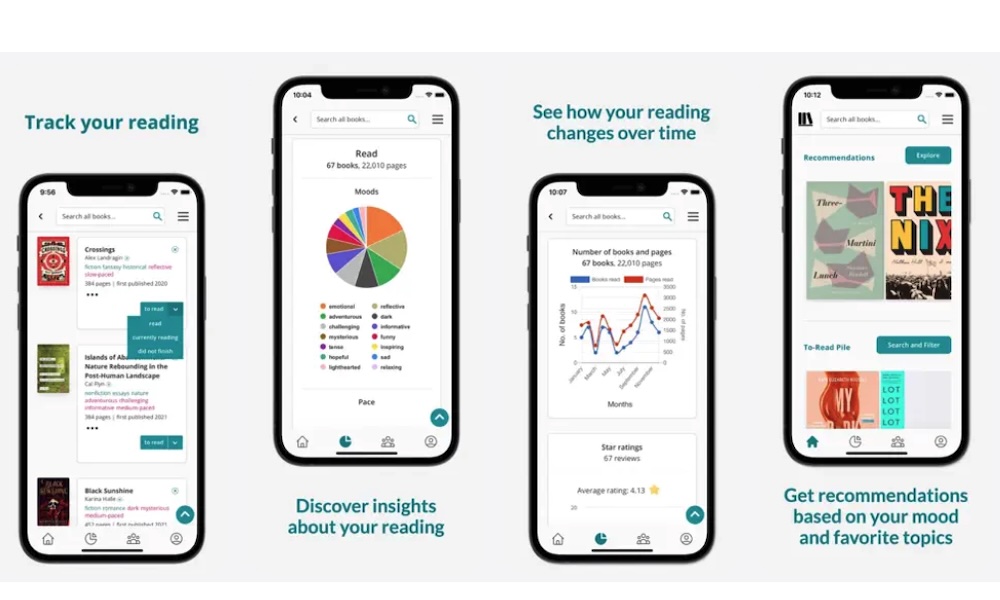
If you read regularly and like knowing what you’re actually getting out of it, StoryGraph is one of the most useful companion apps you can install. It’s not a store, and it’s not a traditional reading app. Instead, it’s a reading tracker and discovery platform that helps you understand your own reading patterns and find better books because of it.
The recommendation system also feels more intentional than basic star ratings. You can search by mood, genre blend, tone, and specific content warnings. That makes it much easier to find your next read when you’re not sure what you want, but you know the vibe you’re in the mood for.
Another strong feature is reading challenges. You can set yearly goals, join themed challenges, or create custom ones for yourself. It adds structure without feeling competitive or noisy. If you’re trying to read more consistently, seeing your progress visualized in charts and breakdowns can be surprisingly motivating.
If you like the idea of treating your reading life as something you can track, reflect on, and improve over time, StoryGraph is a fantastic app to try.
Feedly - Smart News Reader
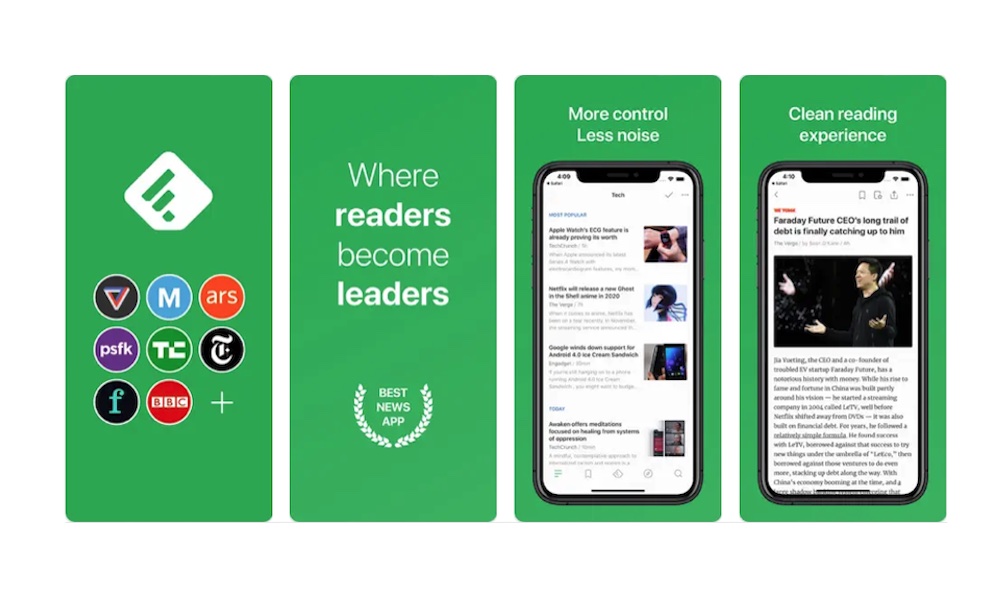
Feedly is one of the best apps for people who want to read something other than books. It’s an RSS reader, which basically means you build your own news feed from the sites you trust. No algorithms deciding what you should care about, no endless suggested posts, just the publications you follow.
If you’re tired of getting your information through social apps, Feedly is a great alternative. And if you still want to get information from social media, you can actually add your feeds from Reddit or X (formerly Twitter). You can also organize sources into folders, follow specific topics, and check in when you want updates instead of being pulled in all day.
It’s also great for niche reading. If you follow smaller blogs, industry sites, or independent writers, Feedly makes it easy to keep up without relying on social platforms to surface their work.
Medium: Read & Write Stories
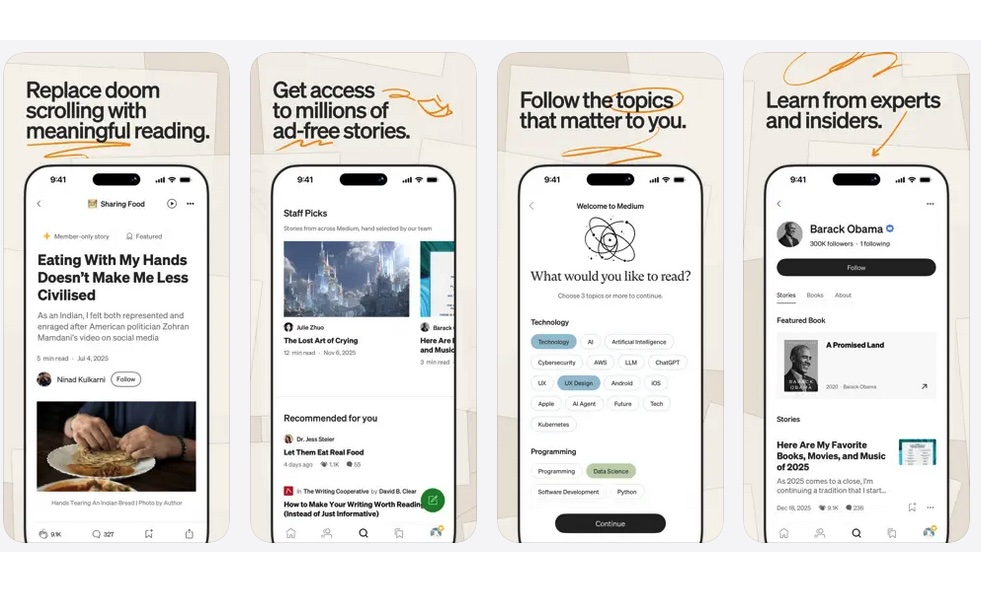
Medium is one of the best apps for long-form reading when you want something more like a magazine than a news feed. It’s full of essays, opinion pieces, tutorials, and deep dives, and it can be a great way to find writing that feels more thoughtful and personal than what you get in typical social timelines.
The reading experience is pretty straightforward. You find articles or authors you like, and start reading their content. You can then comment or like their publications. It’s basically a YouTube for writers and readers.
That means that if you’ve ever had a story that’s worth telling, you can share it in here. You can write about basically anything, so try it out if you feel like sharing your thoughts with the world.
There are many stories you can read for free. But if you want access to all the content and extra premium features, you’ll need to subscribe to Medium’s monthly or yearly subscription. Whether that’s worth it or not will depend on how much you like reading.
Still, if your goal is to read more long-form articles, Medium is worth having, especially when you want something that feels substantial and personal but is still easy to start.
Read More in 2026
The best reading setup on iPhone isn’t about installing every reading app on this list. It’s more about building a small group of apps that matches how you like to read.
Some people want ebooks, others want audiobooks, and some want saved articles. Once you have the right mix, reading on your iPhone will become incredibly easy and enjoyable. Sure, the smaller screen might still be tough to get used to. But the more you use it, and the more you customize your reading apps, the easier it’ll be.