
Files
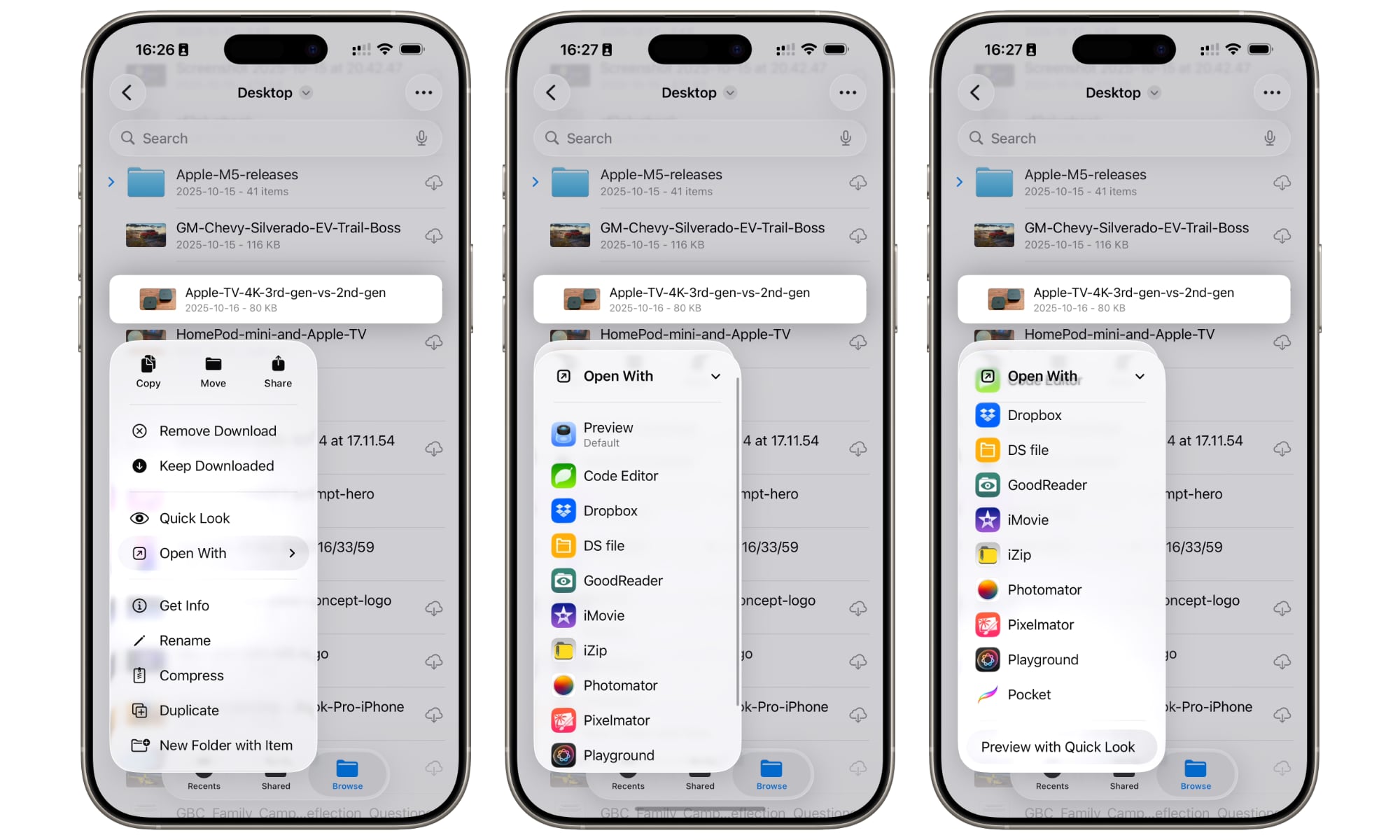
When people say they want to be more productive on an iPhone, what they often mean is that they want to use their iPhone like a computer. Luckily, Apple’s Files app makes that possible.
The Files app doesn’t just store random downloads. Used well, it becomes your mobile command center for managing and viewing PDFs, invoices, screenshots, writing assets, contracts, and anything you need to grab quickly without digging through all your messages and emails. Plus, everything is indexed by Spotlight, making it easy to find that file you’re looking for in a flash.
The best part is that you don’t just keep stuff stored in the app. Files includes a built in Quick Look feature that can view most file formats without leaving the app, and supports tags and pinned folders that make it easy to build your own workspace that you can access instantly. It also supports third-party cloud providers like Dropbox, OneDrive, and Google Drive inside the same app, so you’re not switching between multiple file management apps all day.
Once your Files app is organized, your iPhone stops feeling like a device for the basic stuff, and it starts to feel more like a real workplace on the go.