
Turn Your iPhone Into a University: 10 Apps to Master New Skills for 2026
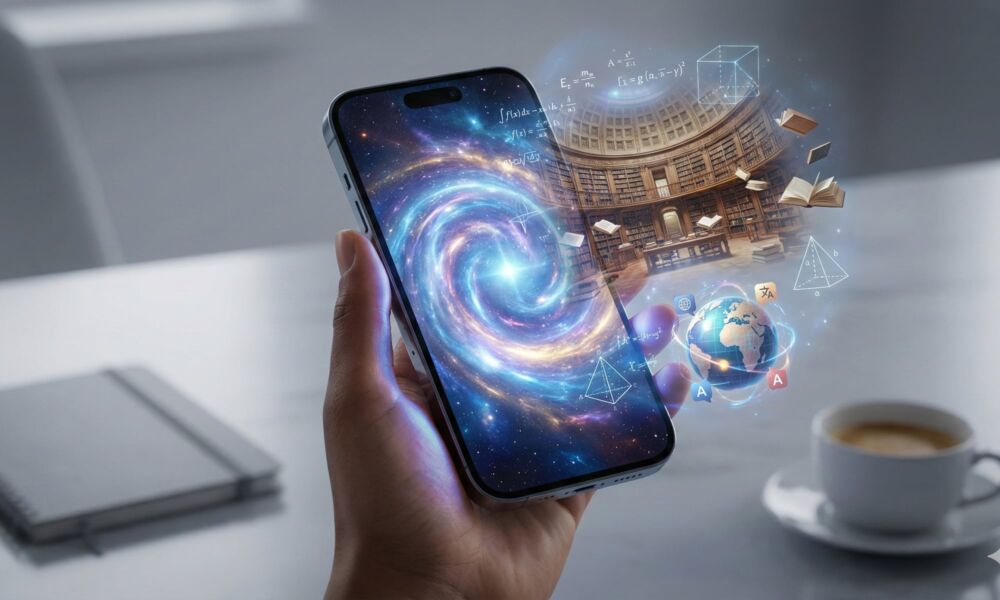 Turn your iPhone into a world-class university with the right mix of educational apps [iDrop News / AI]
If you’re curious by nature, your iPhone or iPad can be your window into a larger world. In this highly connected day and age, you're basically carrying a university library in your pocket. You don’t need a stack of textbooks or a full course load to learn more about math, psychology, space, or even how to write your first novel. You just need the right mix of apps.
Nowadays, learning lives everywhere: on your phone during your commute, or on your iPad while you’re half-watching TV. Most of the apps below work across many platforms, and almost all offer free tiers so you can start exploring without pulling out your credit card.
Read on for ten of the best apps to help you start learning something new for 2026.
Khan Academy
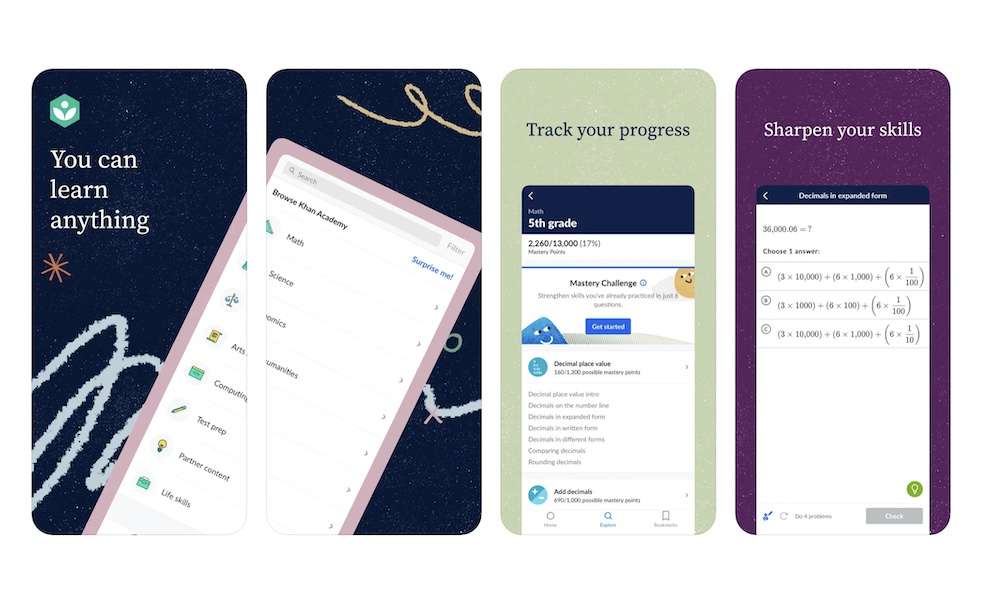
If you want a learning app to recommend to just about anyone, this is it. Khan Academy is a nonprofit platform with a huge library of video lessons and interactive exercises covering K–12 and early college math, science, economics, history, test prep, and more — all completely free.
You can drop into a topic like algebra or world history and work through bite-sized lessons at your own pace. The app tracks your progress and uses a mastery system, so you aren’t just passively watching videos; you’re actually practicing and leveling up your skills as you go.
Khan Academy is also leaning heavily into AI with Khanmigo, an AI tutor and teaching assistant that guides you through problems instead of just giving answers.
Whether you’re restarting math from the ground up, helping your kids, or just filling gaps you missed in school, Khan Academy is one of the best apps to help you on your journey.
Coursera: Grow Your Career
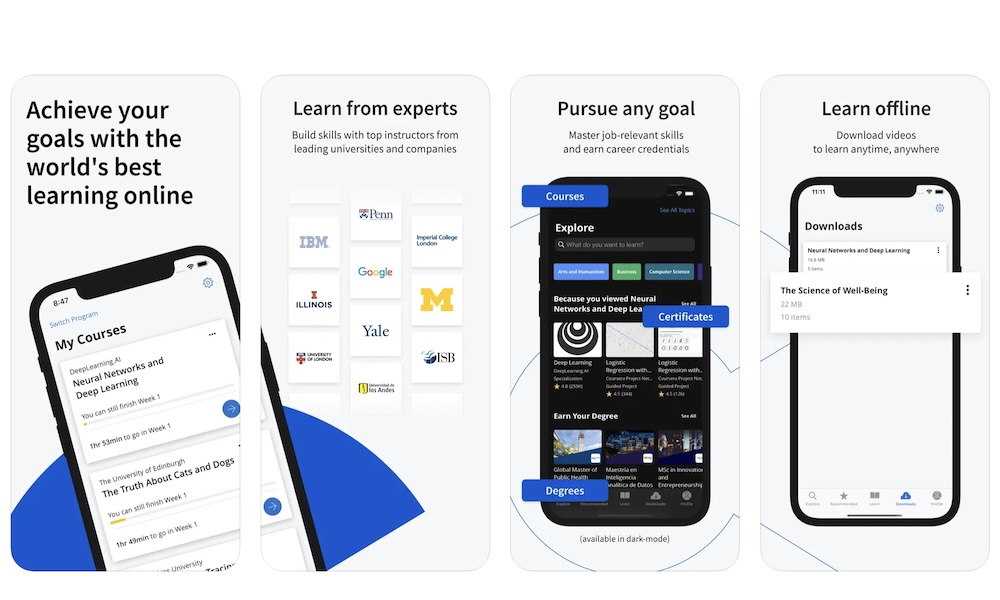
When you want something that feels closer to a college course, Coursera takes things up a notch. The platform partners with universities such as Michigan, Yale, and Duke, as well as companies such as Google, IBM, and Meta, to offer thousands of courses and professional certificates.
The nice thing is that you don’t have to pay for everything up front. You can check many courses for free, which usually means you get access to the videos and some materials without graded assignments or certificates. That’s perfect if you just want to learn about psychology, public health, or machine learning without committing to a full program.
Where Coursera really shines is in career-oriented paths: things like data analytics, UX design, cybersecurity, and mobile app development. You get structured classes, videos, and projects that feel a lot more like real work than a random YouTube tutorial playlist.
If your main goal is to switch careers, up your skills, or add something substantial to your résumé or LinkedIn profile, Coursera is the app to keep on your home screen.
Duolingo - Language Lessons
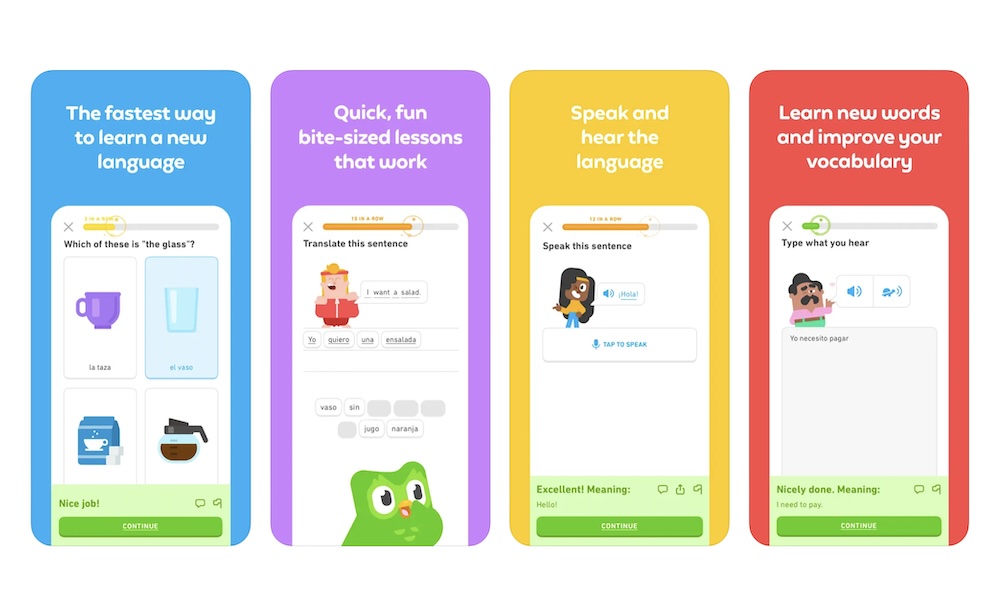
Duolingo is still the go-to app if your list of New Year's resolutions includes "Learn some Spanish this year." It makes language learning feel more like a mobile game, with streaks, XP, and daily goals, and support for over 40 languages, including Spanish, French, German, Japanese, Korean, and more.
Lessons are short enough to fit into spare moments, like waiting for coffee or commuting to work. There's also a mix of listening, speaking, reading, and writing, so you’re not just memorizing vocabulary lists.
Over the last couple of years, Duolingo has also expanded beyond languages into music and math, and even recently into topics like chess, with a dedicated chess course built around puzzles and short training games.
Is it enough to become fluent by itself? Probably not. But as a daily habit builder and a fun way to keep your brain active, Duolingo is hard to beat, especially when you combine it with podcasts, movies, or conversations in your target language.
TED
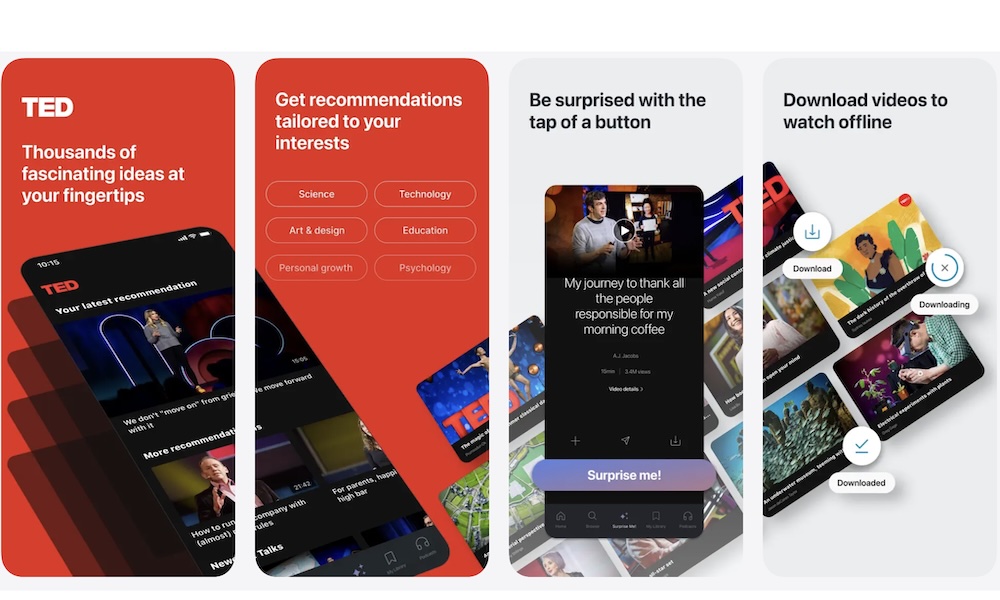
Sometimes you don’t want a full course; you just want to hear a smart person explain a big idea in a way that sticks. That’s exactly what the TED app is for. It gives you access to thousands of TED Talks across science, psychology, design, business, and personal development. While there are some long talks, you can also find quick and easy ones under 20 minutes.
You can browse by topic, build a “watch later” list, and even download talks for offline viewing, which is handy for flights or commutes.
TED also offers playlists curated around themes like creativity, climate, or leadership, so you can binge a topic without hunting for every individual video.
Headway - Daily Micro Learning
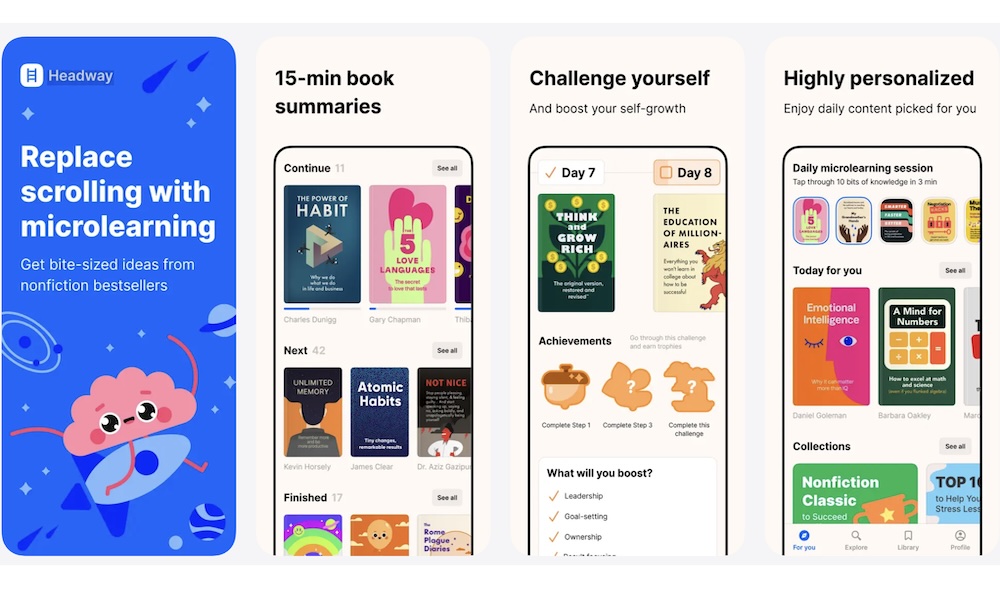
Headway is built for those who have a list of nonfiction books they know they “should” read, but probably never will. It condenses popular nonfiction titles into 15-minute text and audio summaries you can fit into your lunch break.
The library leans heavily on self-improvement, productivity, psychology, and business titles, and the app adds habit-forming features like streaks, daily insights, and personalized recommendations based on the topics you care about. You can listen like a podcast, or read when you’d prefer a much quieter way to learn.
Think of Headway as a quick way to survey as many books as possible without much commitment. You get enough of each book to grab the key ideas, then decide which ones are worth buying or checking out from the library for a deeper read.
Blinkist: Book Summaries Daily
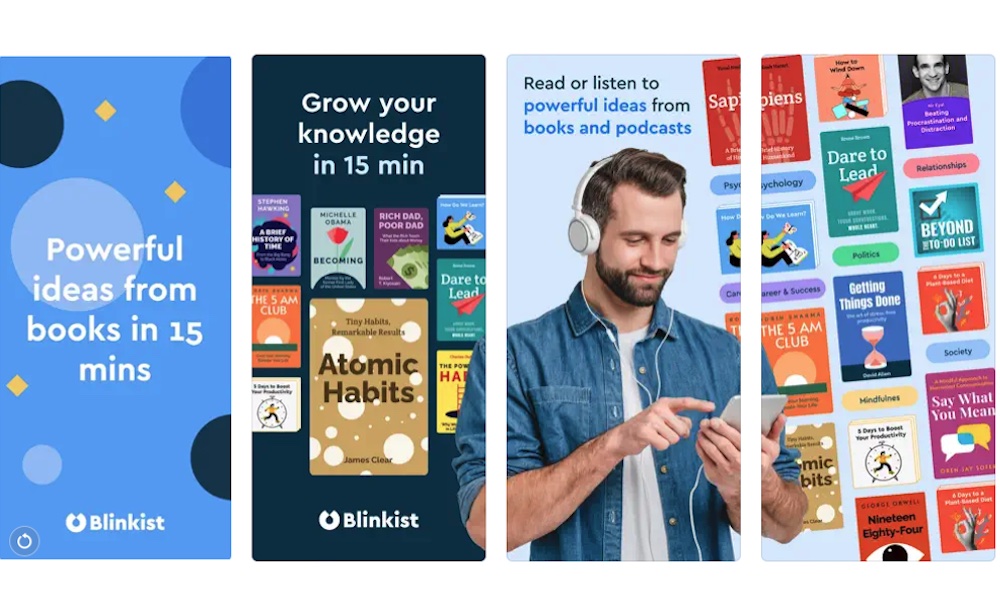
Blinkist plays in a similar space to Headway, but while the latter focuses on habit-building, Blinkist offers a deeper, more extensive catalog of podcasts and guides. It provides 15-minute “blinks” that distill the essential ideas from thousands of nonfiction books and even popular podcasts.
The app organizes everything into categories like psychology, philosophy, science, creativity, and productivity, and you can either follow recommended lists or build your own private library. If you’re the type who likes to “speedrun” a bunch of different topics, Blinkist gives you an easy way to do it.
Like Headway, this isn’t a full replacement for reading entire books, but it is a fantastic filter. You can get the gist of a title, decide whether it’s relevant, and only invest time in the ones that genuinely matter to your life or work.
NASA App
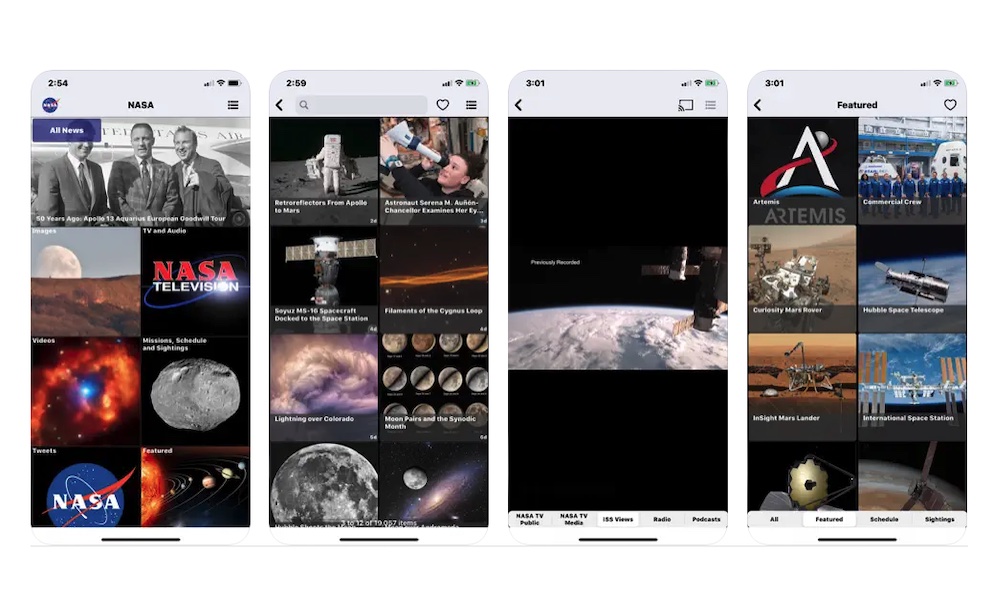
If you’ve ever fallen into a black hole of space photos on social media, you'll want to check out the official NASA app for a better and more organized experience. The new changes add access to NASA+, the agency’s free streaming service, along with images, mission info, podcasts, and augmented-reality experiences.
You can watch live launches and coverage, follow missions to the Moon and Mars, track the International Space Station, and browse thousands of high-resolution photos taken by telescopes and spacecraft. It works across many platforms, so you can watch amazing space stuff with your friends even if they're not iPhone users. The app also features a great selection of Home Screen widgets that rotate through the "Image of the Day," keeping your iPhone or iPad looking fresh and inspiring.
For kids and adults who are even a little space-obsessed, this app turns those late-night “what’s out there?” spirals into a structured way to actually learn about astronomy and current missions.
MasterClass: Online Classes
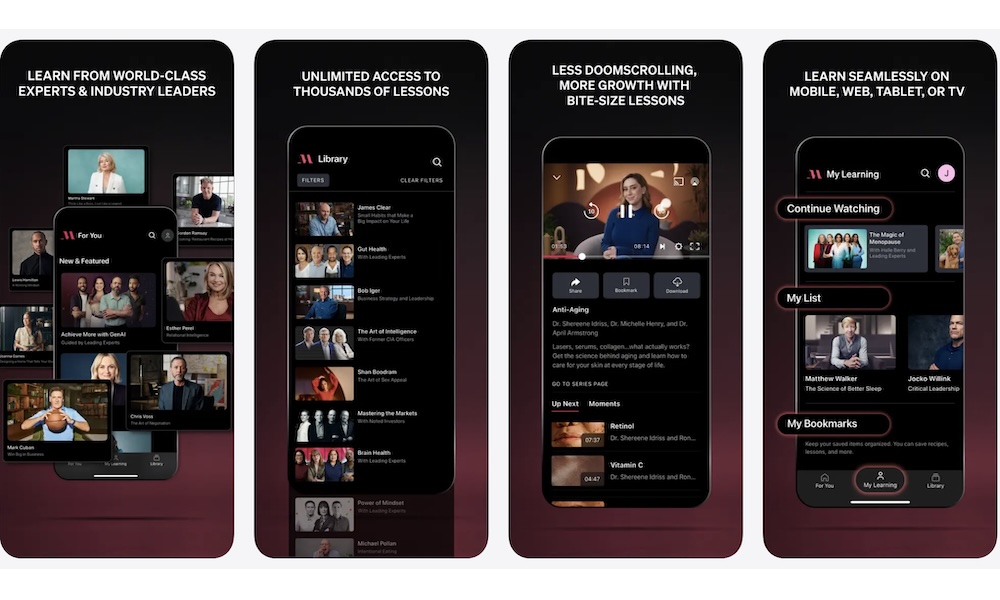
If you prefer to learn from big-name experts instead of anonymous instructors, MasterClass is the premium option for you. The subscription service offers beautifully produced video classes from authors, chefs, filmmakers, scientists, athletes, and more. You'll find classes from Neil deGrasse Tyson on scientific thinking, Gordon Ramsay on cooking, Margaret Atwood on writing, and more.
Lessons are broken into short episodes, usually with a companion workbook full of prompts and exercises you can try at your own pace. This isn’t the cheapest option on the list, but if you’re motivated by high production value and high-profile instructors, it can be a surprisingly inspiring way to pick up creative or professional skills.
Udemy Online Video Courses
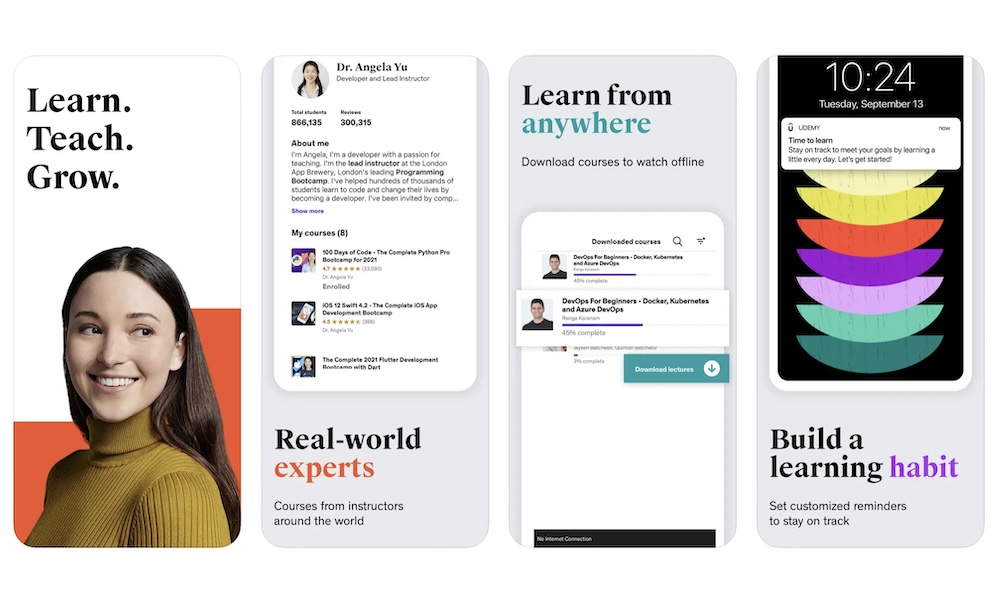
Udemy feels like an Amazon online store for learning: anyone can build a course, but the best ones tend to float to the top thanks to ratings and reviews. The result is a massive catalog of over 250,000 courses covering everything from Python and web development to photography, music production, personal finance, fitness, and more.
You typically pay per course, but there are constant sales, and once you buy something, it's yours to keep forever. Instructors can update their content as tools and trends change, which is crucial for fast-moving fields like web development and AI.
This is where you go when you want a concrete, job-ready skill, like learning to build an iOS app, become a data analyst in Python, or master Excel. There are countless options, all of which can help you become a better employee or a more skillful person. Combined with the more academic platforms above, you'll be able to learn a ton of new things in less than a year.
YouTube
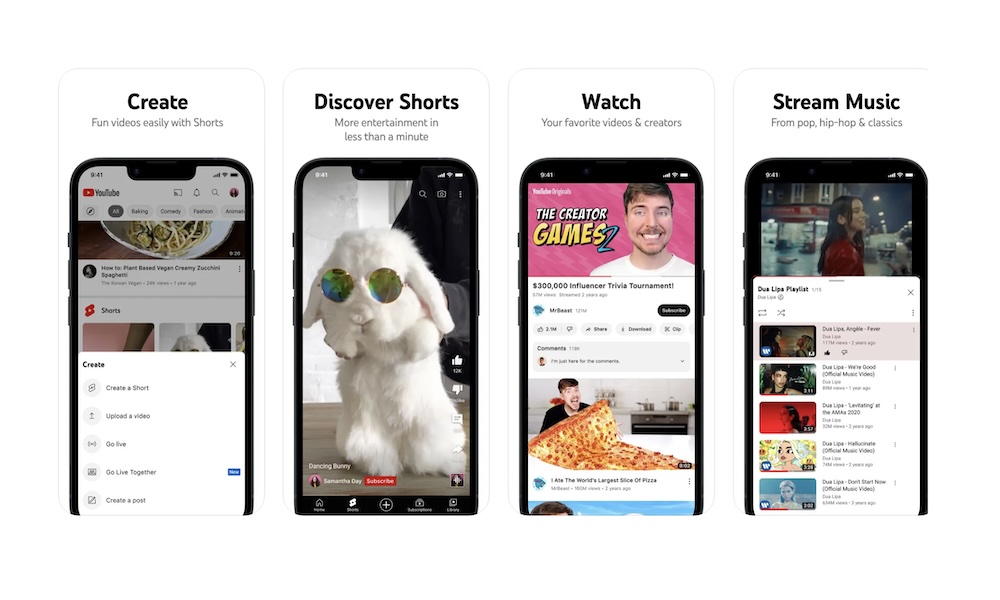
Finally, there’s the app you probably already use every day: YouTube. Even though it's more commonly used for entertainment, this platform is easily one of the best free learning streaming services on the planet. Educational channels cover everything from physics and philosophy to cooking, game development, and music theory.
You’ll find university lectures, crash-course style explainers, animated science videos, language lessons, and deep dives into niche topics like historical fashion or mechanical keyboards. YouTubers have invested a lot of time and effort in turning their channels into dedicated learning hubs and playlists that highlight high-quality educational content.
The key to using YouTube as a serious learning tool is to treat it like a course platform: subscribe to a few high-quality channels, save playlists, use transcripts, and watch on a bigger screen when you can. Once you do that, it becomes much more than a distraction machine.
Of course, the downside to YouTube is that anyone can upload anything they want. And if you're not careful, you'll go down a rabbit hole of misinformation and terrible content. The good news is that you can use the comment section to see what other people think, and to help you determine if the channel is worth watching or not.
Start Learning Without Feeling Overwhelmed
With a list like this, it’s tempting to install everything and then get to learning as much as possible. However, to avoid app fatigue, we recommend picking one or two that spark your curiosity the most. After all, whether you’re looking for a career pivot or a casual 15-minute deep dive into black holes, the best learning happens when it doesn't feel like a chore.
You don’t need to treat this like school. Learning can be messy, nonlinear, and fun. Open a space app when you’re bored, or swap one social-media session for a TED playlist.
The important part is building a habit of learning whenever you can. With the right mix of apps on iPhone, you can turn your free time into a steady stream of new ideas and learn a little more about everything.