
5 Free iPhone and iPad Apps That Make Studying Way Easier
 Vitaly Gariev
Being a student isn’t easy. Between attending classes and completing assignments, there’s always something you need to do. And when exams are coming up, finding enough time to study can become even more difficult.
Fortunately, students today have technology on their side. Plenty of apps can help you organize your schoolwork, understand difficult subjects, and make student life much easier.
And we know student life is expensive, but most of these apps let you get started without spending any money, which is a big plus. Some apps are completely free, while others offer free versions with more than enough features for everyday schoolwork.
No matter how much you want to spend, or what you want to accomplish, these apps can make your schoolwork a lot easier.
Knowt
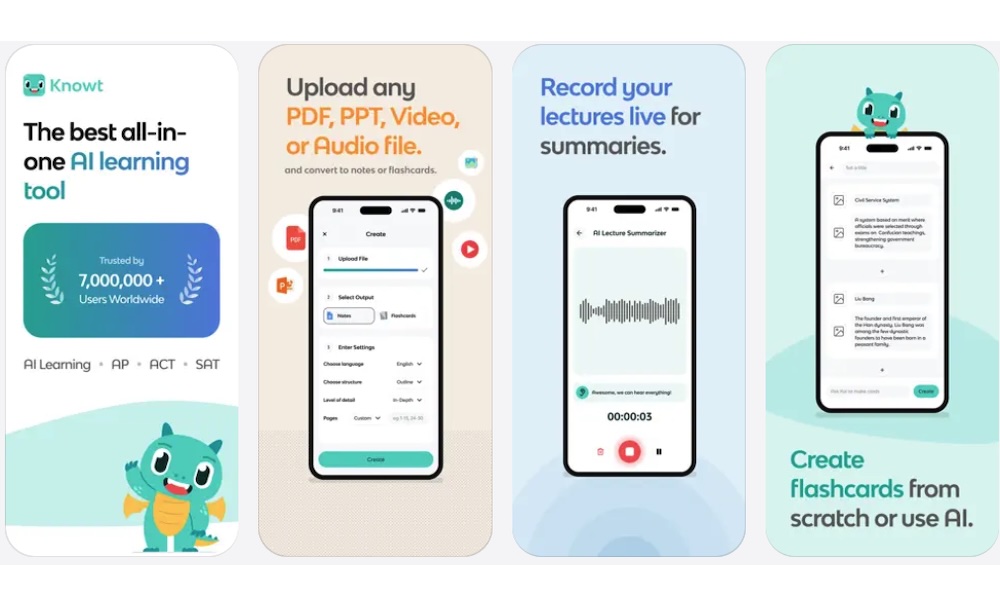
Flashcards are one of the easiest ways to study before an exam, especially when you’re trying to memorize definitions or important facts.
Fortunately, you don’t need to spend hours writing everything on physical cards. Knowt is a study app that lets you create digital flashcards and review them directly on your Apple devices, and its core learn and spaced-repetition modes are free to use.
Knowt also includes different study modes, allowing you to practice the same material in several ways, which is perfect when you want to memorize many different topics. Another helpful feature is spaced repetition. This study method involves reviewing information at different intervals to help reinforce what you’ve learned over time.
And since it’s 2026, Knowt also offers AI-assisted tools that can turn supported study materials into flashcards and practice questions. This could save you time when preparing for an exam, although you should always check the information for mistakes.
Khan Academy
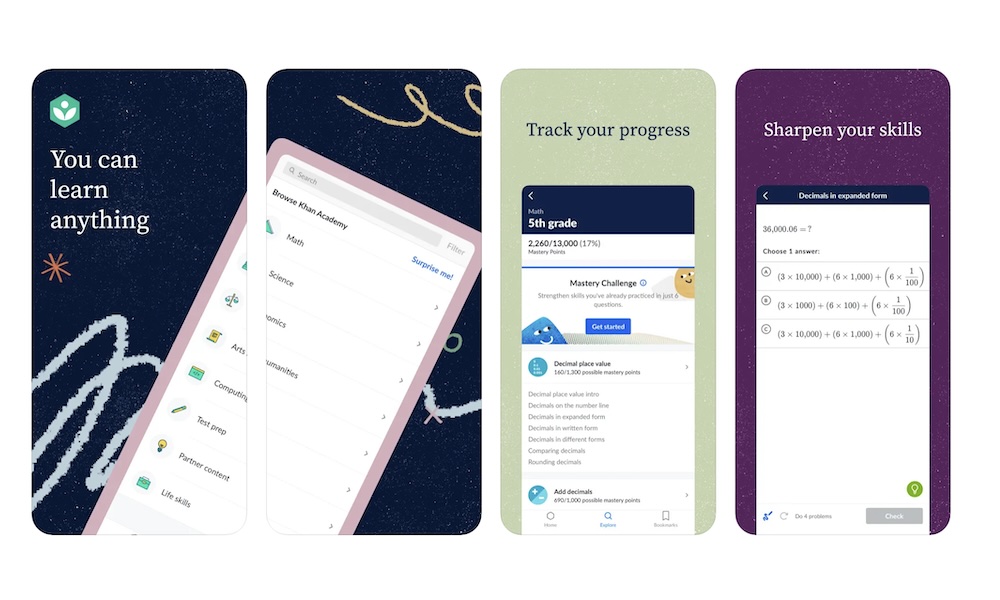
Sometimes, no matter how much you pay attention in class, a particular subject just doesn’t make sense. And that’s where Khan Academy can help.
Khan Academy is a nonprofit educational platform that offers lessons and practice exercises across numerous subjects. You can use it to learn mathematics and science, along with a bunch of other topics.
For example, imagine you’re having trouble understanding algebra. Instead of relying solely on your textbook, you could open Khan Academy and watch a lesson that explains the concept.
Many lessons include videos that break down difficult topics into smaller parts. You can pause them whenever you want or replay explanations until you understand the topic.
Interactive practice exercises also let you test your understanding and receive feedback as you work through problems.
Google Drive
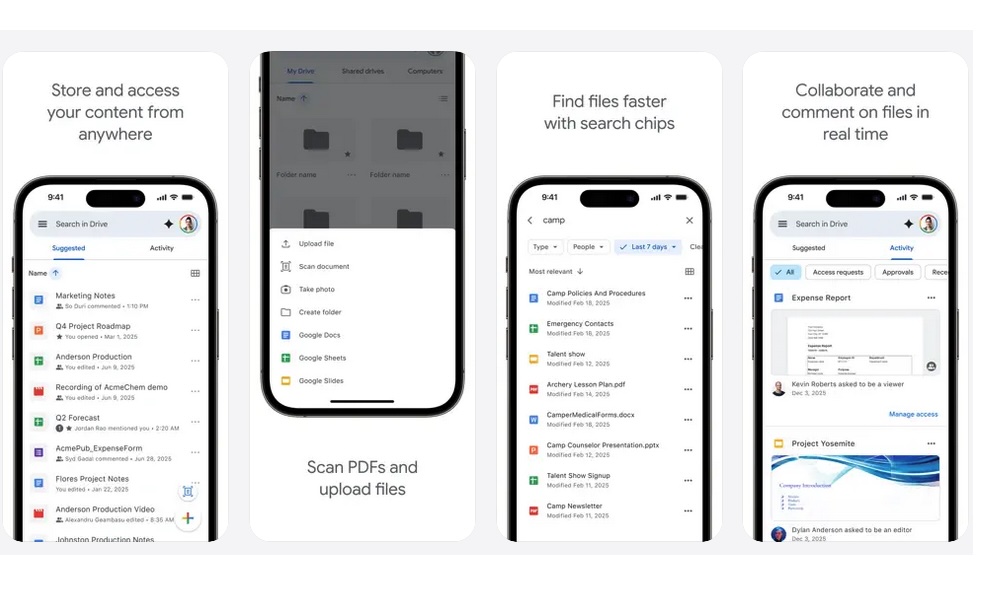
Keeping all your files organized can become frustrating, especially if you regularly switch between your iPhone and a Windows computer.
Fortunately, Google Drive makes it easy to store documents online and access them from pretty much any operating system. The best part is how easy it is to use it, as you just need a Google Account to get started (which you probably already have).
From there, you can create documents using Google Docs and work on spreadsheets with Google Sheets. If you need to prepare a class presentation, Google Slides is another useful option.
Google offers a ton of apps that are free to use, so you don’t really need to pay for any expensive platform to work on all your assignments. And the best part is that these apps work great when you're working with a group.
Instead of sending multiple copies of the same document back and forth, you can share a file with your classmates and collaborate on it. You can also control whether other people can view or edit supported files, which gives you more control over your work.
Google Drive offers 15 GB of free storage with a personal Google account. But keep in mind that storage is shared with Gmail and Google Photos, so you might need to manage your available space if you use all three services regularly.
Canva
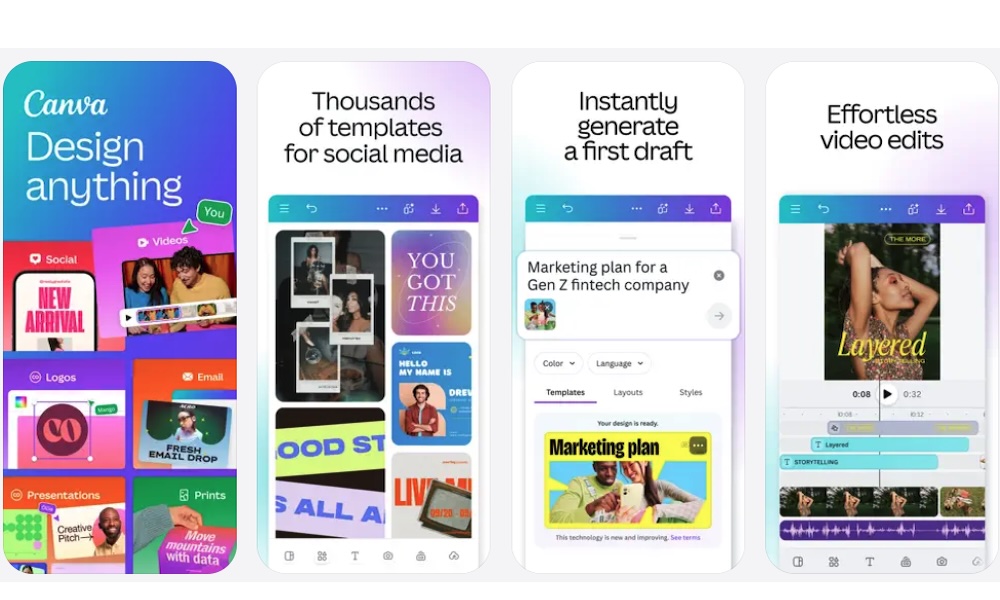
If you've ever had to create a presentation for school, you probably know that making it look professional can be a pain. Fortunately, Canva can make that work easier, even if you don't have any graphic design experience.
Canva is a design app that lets you create presentations and other visual projects using customizable templates. You can change the layout and add images, making it easier to create something that looks polished without spending hours learning how to use an app from scratch.
And just like Google apps, you can work with other people simultaneously, which is a great and easy way to create a presentation with your classmates.
Canva offers a free plan with numerous templates and editing tools. However, certain premium assets and advanced features require a subscription. The good news is that eligible K–12 students and teachers can also get access to premium features at no extra cost through Canva Education.
Focus To-Do
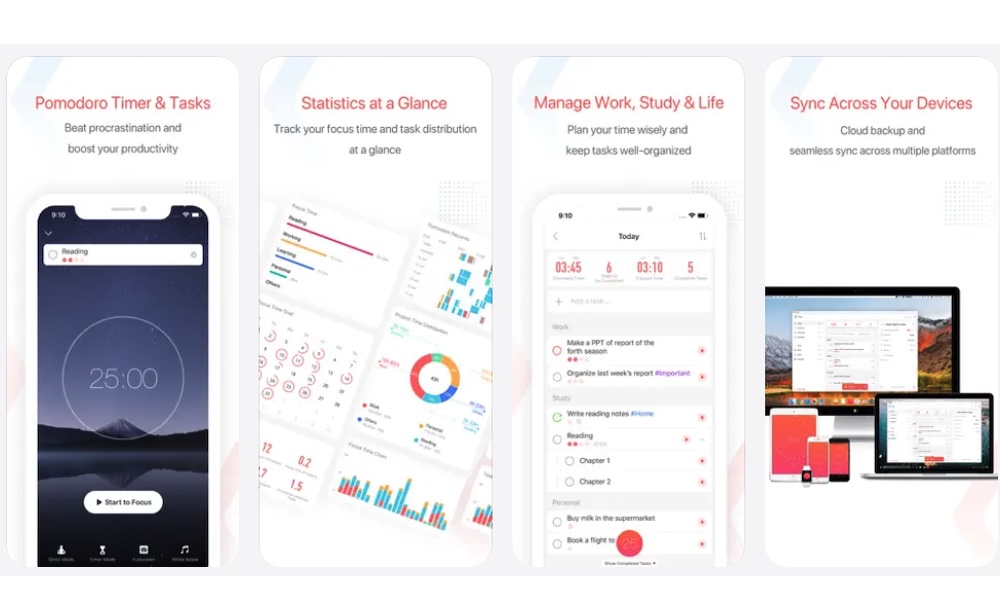
If you have trouble concentrating while studying, the Focus To-Do app might be worth trying.
This app combines a task manager with a focus timer based on the famous Pomodoro Technique. The idea behind this technique is simple: instead of studying for several hours without stopping, you divide your work into shorter sessions separated by breaks.
The most common way to use the Pomodoro Technique is to study for 25 minutes, then take a five-minute break. Once the break is over, you start another session.
You can also create tasks inside the app, allowing you to choose what you want to accomplish during each study session. Another cool feature is the ability to check productivity statistics, which can help you understand how much time you’ve actually spent studying.
Make Studying Easier with These Free Apps
Being a student requires a lot of organization, but you don’t need to spend money on expensive subscriptions to keep up with your schoolwork.
These apps will help you stay organized and focus on what’s really important, regardless of what you need to do or how much time you have.
Of course, while these apps are great, you still need to put in the work. As nice as it would be to skip that part, technology isn’t quite that advanced — not yet, anyway.