
Ditch the Subscriptions: 8 Free Apps to Rescue Your Budget
 Atlantic Money
Subscription services can have many benefits, but if you aren’t careful, they can also end up consuming most of your budget. A few dollars for cloud storage, a few more for a note-taking app, another charge for a workout app, and suddenly your iPhone is helping you spend more money every month than you expected.
The good news is that you probably don’t need a paid subscription for every digital tool you use. Some free apps and strong freemium services can cover the basics well enough for everyday users. They may not replace every professional feature, but they can help you cut costs without giving up the tools you actually need.
If you’re trying to lower your monthly expenses, here are a few free replacements for some of the most common subscription services people spend money on.
Apple Pages
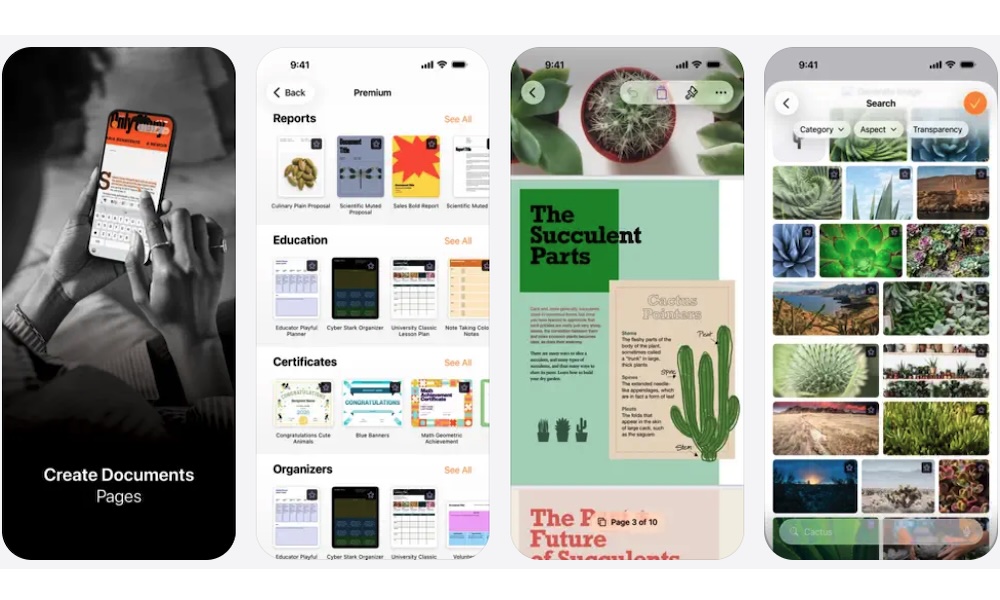
Pages is Apple’s free word processor, and it’s one of the easiest replacements if you don’t want to keep paying for Microsoft’s Office subscription. You can use it on iPhone, iPad, and Mac, so it’s flexible enough for school papers, letters, resumes, reports, and basic work documents.
The app gives you a clean writing space without feeling too complicated. You can start from a blank page or use Apple’s built-in templates if you need something that already looks polished. There are templates for resumes, letters, and other common documents.
Pages also syncs through iCloud, so you can start writing on your iPhone and finish later on your Mac or iPad. And if someone else prefers using Word, you can export your work as a Word document so it’s easier for them to edit and read. If you don’t need advanced Microsoft Word features every day, Pages can be more than enough.
Apple Numbers
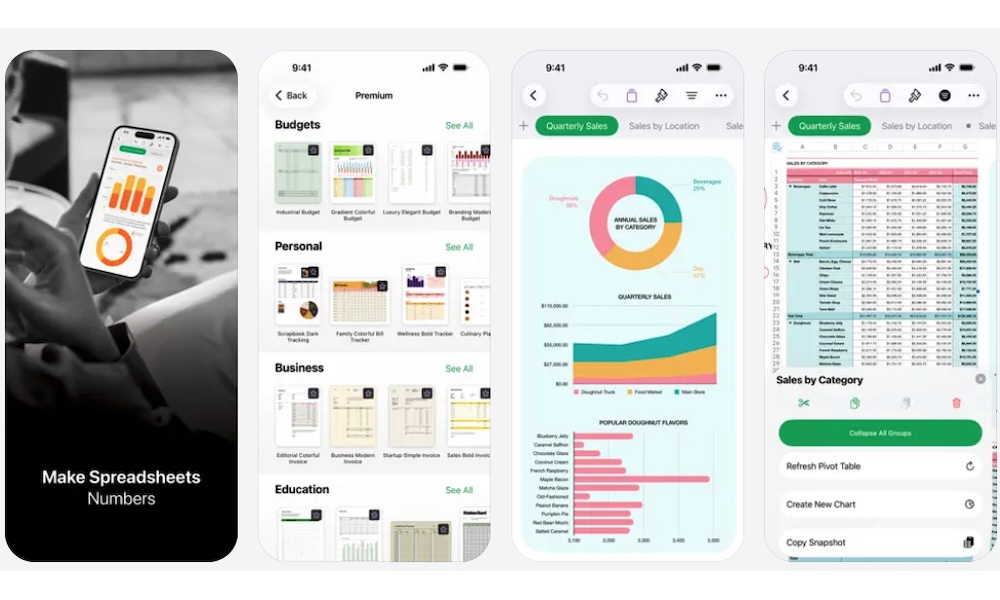
Numbers is Apple’s free spreadsheet app, and it can replace a paid spreadsheet subscription for many personal and light work tasks. It’s a good option for budgets, simple tracking sheets, school projects, travel planning, and even to keep track of your business expenses.
At first, the app feels different from Excel, so it might take a while to adjust if you’re used to Microsoft’s spreadsheet style. Still, Numbers is very easy to use once you get used to it. It does everything that Excel and Google Sheets can do while having the benefits of being an Apple app.
Numbers also includes templates that can save you time, which is great if you want a presentable spreadsheet that’s still easy to control. If your spreadsheet needs are basic, paying every month for a full app isn’t really necessary.
Apple Passwords
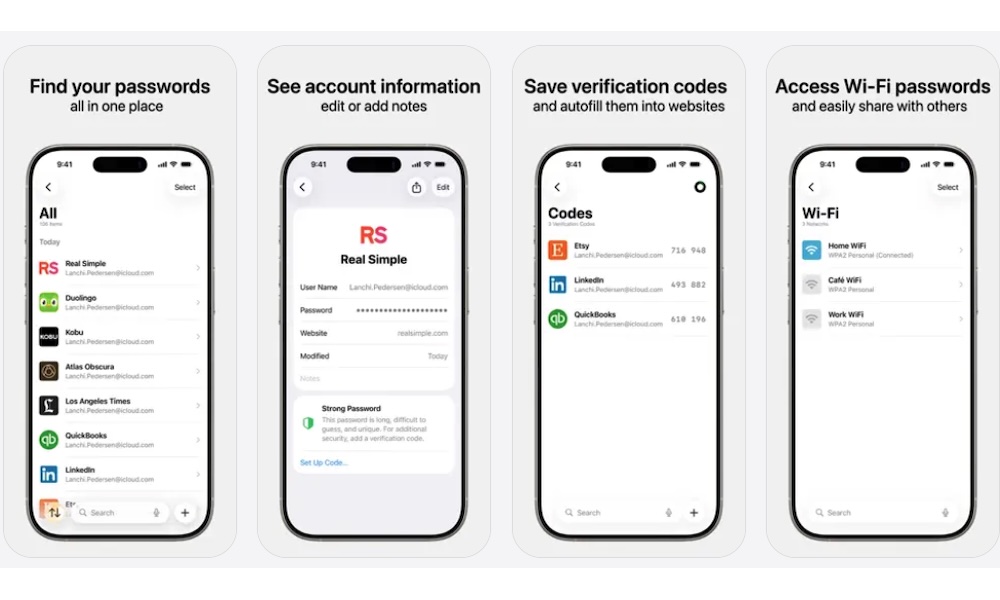
Apple’s passwords feature is now its own Passwords app, and it’s one of the most useful built-in tools for anyone who lives mostly inside the Apple ecosystem. It stores passwords, passkeys, Wi-Fi passwords, and verification codes all in one place.
Passwords works with iCloud Keychain, so everything you save in it can sync across your iPhone, iPad, Mac, and even Apple Vision Pro. It also works with Autofill in Safari and apps, which makes signing in to anything a whole lot easier.
Apple Passwords can also help you manage two-factor authentication codes. Instead of using a separate authenticator app for every account, you can save verification codes inside Passwords and autofill them when you need them. If you mostly use Apple devices, this can replace a paid password manager for many common needs.
Nike Training Club
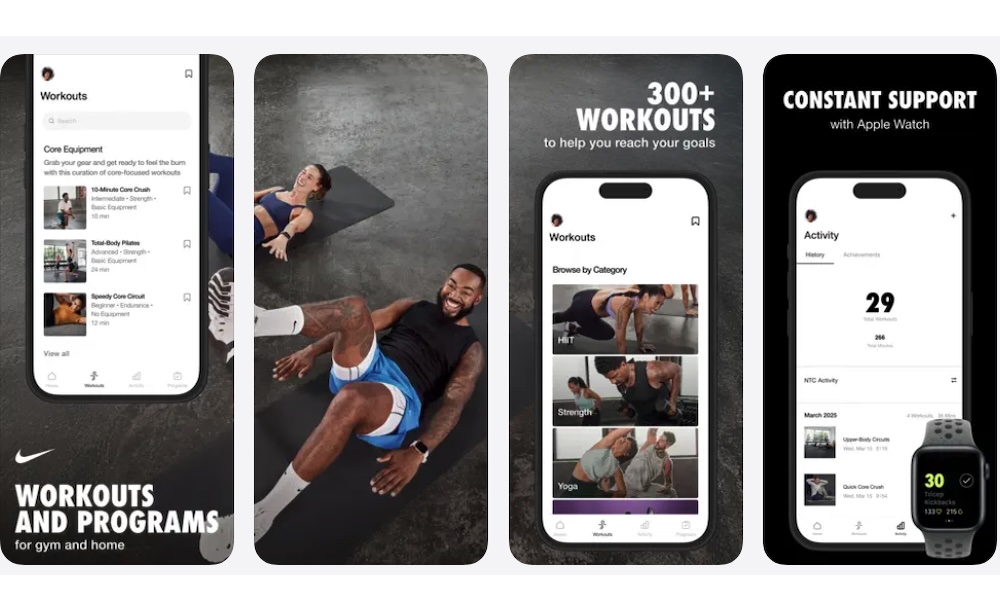
Nike Training Club is one of the best free workout apps you can download, and it’s a great alternative to those expensive fitness apps you see very often. It offers guided workouts for strength, mobility, yoga, and even home training without requiring an expensive monthly plan.
The app is useful regardless of your fitness level. Whether you’re a beginner or someone who already works out regularly, you’ll find a workout that suits your current level and needs.
Moreover, it’s perfect for those of us who always use our lack of time as an excuse. You can find short sessions for busy days, bodyweight workouts for home, and more structured routines if you want a more solid plan. Many workouts don’t require equipment, which makes the app easier to use without a gym membership.
Nike Training Club can replace a paid workout subscription for users who want a bit of help or don’t know where to begin. You get trainers, workout instructions, and a variety of routines. If you’ve been paying for basic workout videos, try this first.
Libby
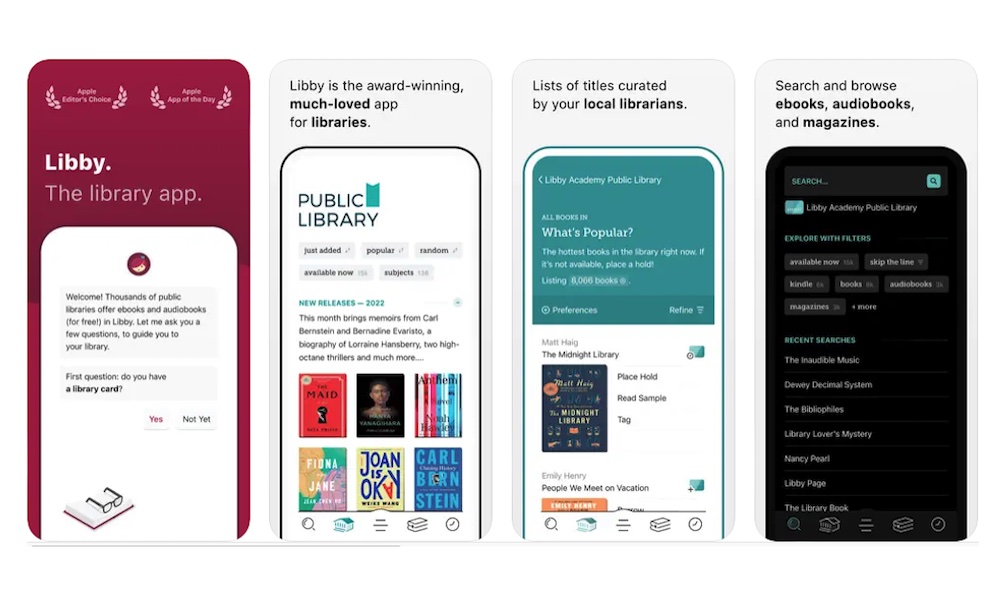
Libby can save you a surprising amount of money if you read books or listen to audiobooks often. The app connects to your local library and lets you borrow ebooks, audiobooks, and magazines that it has available with a library card.
This can replace an ebook subscription, an audiobook subscription, or a digital magazine app, which tend to be pretty pricey. Of course, it will all depend on your library’s catalog. Additionally, keep in mind that this is basically a digital library, so you won’t always get every title instantly, especially if a popular book has a waitlist, but the savings can be huge if you’re patient.
Libby also supports offline reading and listening, which makes it useful for travel, when you're going to work, or just looking for some quiet reading time away from Wi-Fi. The app syncs your progress, lets you place holds, and keeps borrowing simple. If you already have access to a public library, Libby should be one of the first apps you install.
Trello
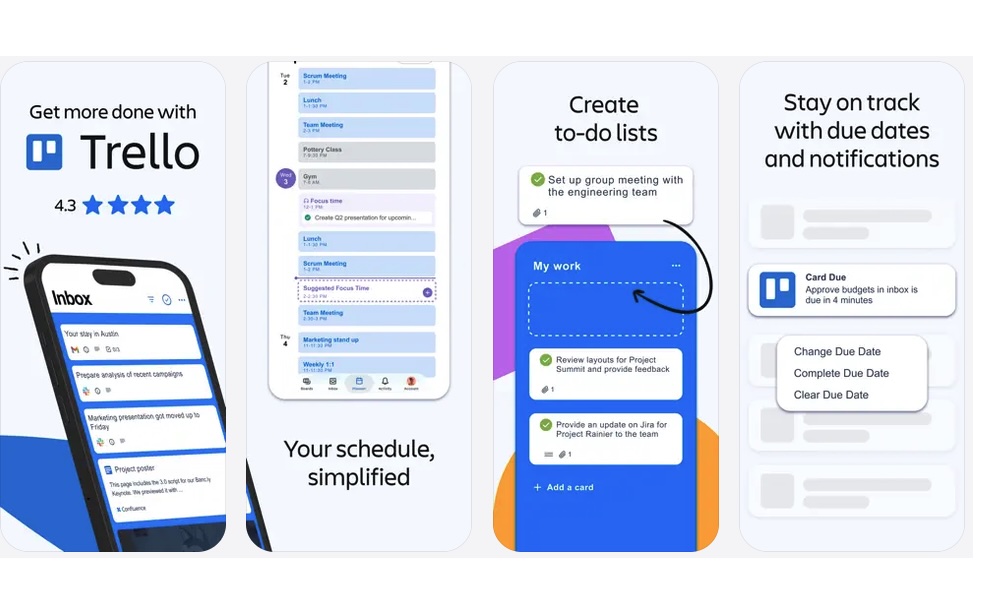
Trello is a simple project management app that organizes tasks using boards, lists, and cards. Despite being pretty straightforward, it can help you with everything from personal projects and work assignments to travel planning or big goals you have in mind.
While there are paid plans with extra features, the free version includes enough tools for any casual user, and even some small teams.
One of Trello’s biggest strengths is how easy it is to see the progress of a project at a glance. You can create columns such as Ideas, To Do, In Progress, and Finished, then drag cards between them as work moves forward. Each card can include checklists, due dates, attachments, comments, and links, so you don’t need to keep switching between several apps to track a project.
And the best part is that you can share your boards with friends or coworkers, so everyone can see how the project is doing and make the updates they think necessary. Of course, this is great for big group projects, but you can even invite your family so you can get ready for a big trip or a secret birthday party.
Canva
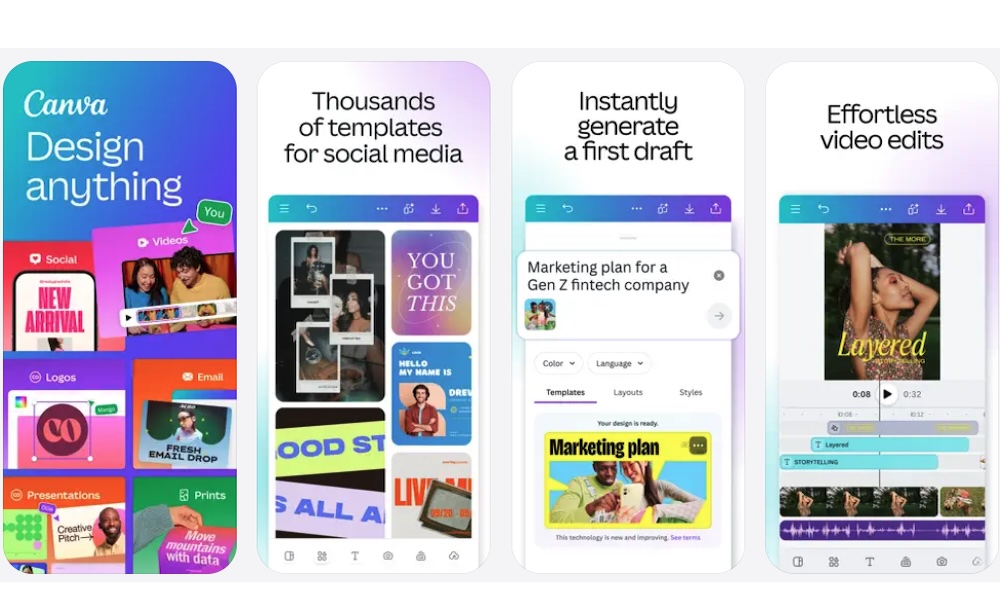
Canva has a paid plan, but its free version can still replace expensive design software for a bunch of different projects. You can use it to create social media graphics, presentations, and even your resume.
The app is built around templates, which makes it easier for non-designers to create something that looks good. You can choose a layout, change the text, swap images, and adjust colors without needing design experience. The free tier doesn’t unlock every premium image, but there are plenty of high-quality assets you can use however you want.
Canva Pro is useful if you need premium assets, brand kits, background remover, or more advanced features. Still, the free version is enough for many personal projects, schoolwork, small business graphics, and quick social posts. And if you really need those premium features, Canva is one of the few platforms that still offers a free trial that lasts 30 days.
Tubi
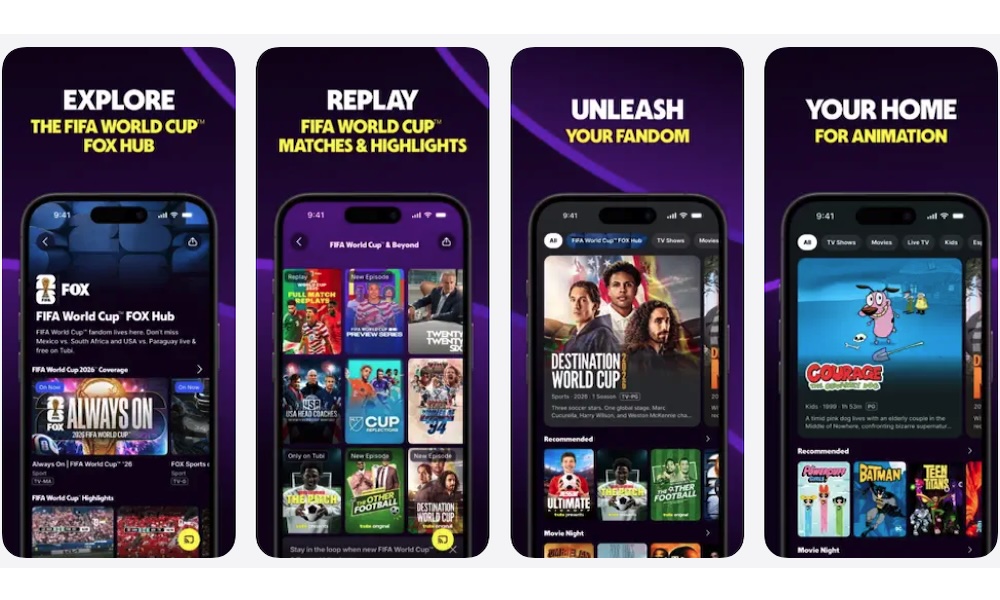
Streaming services are a dime a dozen these days. They’re all great, but they’re all pricey. Luckily, there are still some free options if you’re willing to sit through ads. And Tubi is one of the best options out there.
Tubi is a free, ad-supported streaming app with movies, TV shows, live channels, and family-friendly content. It won’t replace every premium streaming service, but it can help you cut one or two subscriptions if you mostly want casual entertainment.
The trade-off, as we mentioned, is that you’ll see ads. That may not be ideal if you’re used to ad-free streaming, but it’s also the reason Tubi doesn’t charge a monthly fee. For many people, watching a few ads is better than paying for another subscription they only use once in a while.
Tubi is available on many devices, including iPhone, iPad, smart TVs, and even web browsers. The catalog changes over time, but there’s usually enough to browse when you just want something to watch. If you’re trying to spend less on streaming, free ad-supported apps like Tubi are worth adding to your rotation.
These Apps Will Save You Money
The easiest way to cut subscription costs is to replace one category at a time. Start with the apps you already have on your iPhone, especially first-party apps like Apple Passwords. You may find that you’ve been paying for features you barely use.
After that, look at free third-party options. The apps on this list can save you money more often than you'd think, and there are countless other alternatives out there depending on your specific needs. Granted, most third-party apps rely on a freemium model — letting you use the basics for free while keeping advanced features behind a paywall — but you might find that the free tier is more than enough for your needs.
Of course, you may still want premium tools if you use them professionally, and that’s completely fine. But for everyday users, free and built-in apps can cover a lot more than expected, and cutting just a few subscriptions can make a noticeable difference every month. After all, you don’t need to pay for everything to make it work for you.