
5 Free Apps That Instantly Make Your New iPhone Better
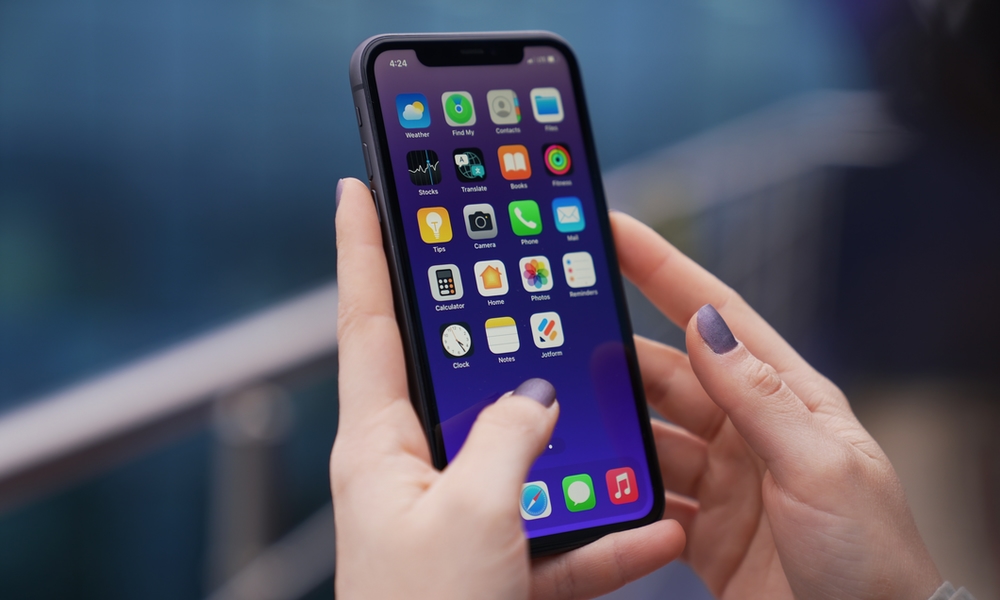
Getting a brand-new iPhone is always exciting, especially when you’re upgrading from a much older model or if you finally made the switch from an Android device for the first time. Everything feels faster, the cameras are better, and you finally get to explore all the features you’ve heard about.
Of course, one of the first things you’ll probably want to do is download your favorite apps. While Apple already includes plenty of useful apps on your iPhone, there are thousands of third-party alternatives that can help you get even more out of your new device.
The good news is that you don’t have to spend money to get started. There are plenty of excellent free apps that can help you stay organized and make everyday tasks easier without spending a dime.
The even better news is that you don’t have to spend any time looking for them either; we’ve gathered a list of the first handful of apps you need to download to start making the most out of your new iPhone.
Brave Browser
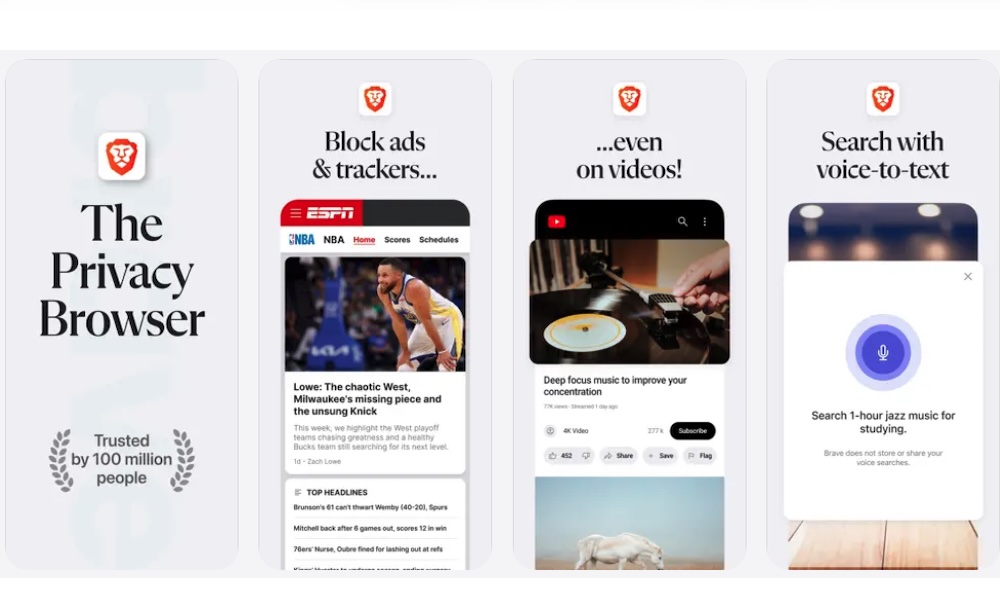
Safari is already an excellent browser, but Brave is worth trying if you want additional control over ads and online tracking.
Brave is a privacy-focused browser packed with built-in tools designed to protect you against website trackers and ads. These protections are enabled by default, so you don’t need to install a separate extension to start using them.
This makes Brave a go-to browser if you’re looking to get rid of ads on many different types of websites, like YouTube. It’s also available on pretty much any major operating system, which is perfect if you have an iPhone, an Android tablet, or a Windows computer.
One of Brave’s main features is Shields, which helps block unwanted website elements that can follow your activity across the internet. Depending on the website, this can also make pages feel less cluttered and even improve loading times.
The browser itself is free, including its core privacy protections. However, certain additional services, such as Brave VPN, are premium services.
Trello
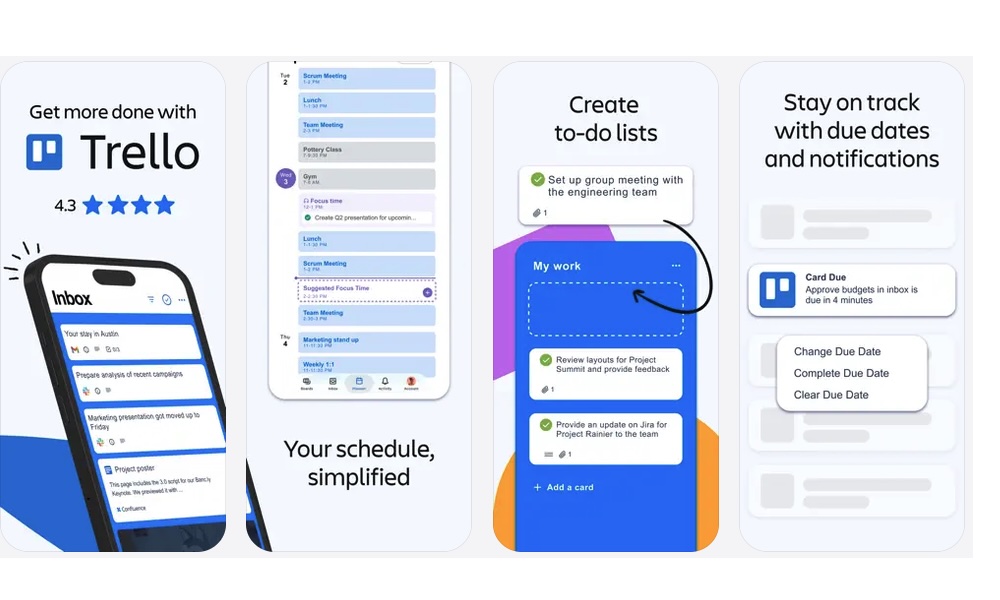
If you have trouble keeping track of everything you need to do, Trello can help you organize your projects right from your iPhone.
Trello is a productivity app that uses boards and cards to make organizing information a bit easier. Instead of keeping everything in a regular to-do list, you can divide your work into different stages and move tasks around as you make progress.
For example, say you’re planning a vacation. You could create a board with separate lists for things you need to research and reservations you’ve already made. Each card could represent an individual task.
You can also attach information to cards and create checklists for tasks that involve several steps. Deadlines are available when you need to finish something by a particular date.
And the best part is that you don’t have to use Trello alone. You can share your boards with other people so they can see the vacation progress as well as update it themselves.
Of course, you can also use Trello for your work life. You can create boards for each project or client you have, and manage them however you like, but keep in mind that you'll need a paid Trello plan to create more than ten boards.
LocalSend
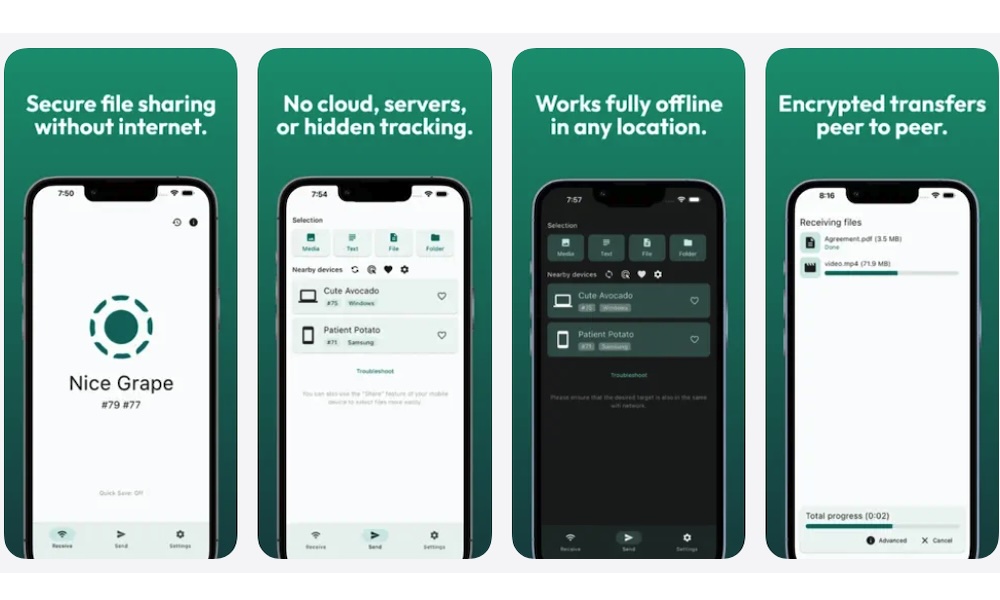
AirDrop is one of the best features you get on an Apple device. You get to send and receive files almost instantly, and it practically feels like magic. Unfortunately, it doesn’t natively work with Windows or Android, which can make transferring files between different platforms a bit more complicated.
That’s where LocalSend comes in. This free file-sharing app lets you transfer files between compatible devices on the same local network. It’s available on iOS and macOS, along with Windows and Android.
The app automatically discovers other devices running LocalSend on your network. You simply choose the files you want to transfer and select the receiving device.
The best part is that LocalSend is also open source and doesn’t require you to create an account to start using it.
Pocket Casts
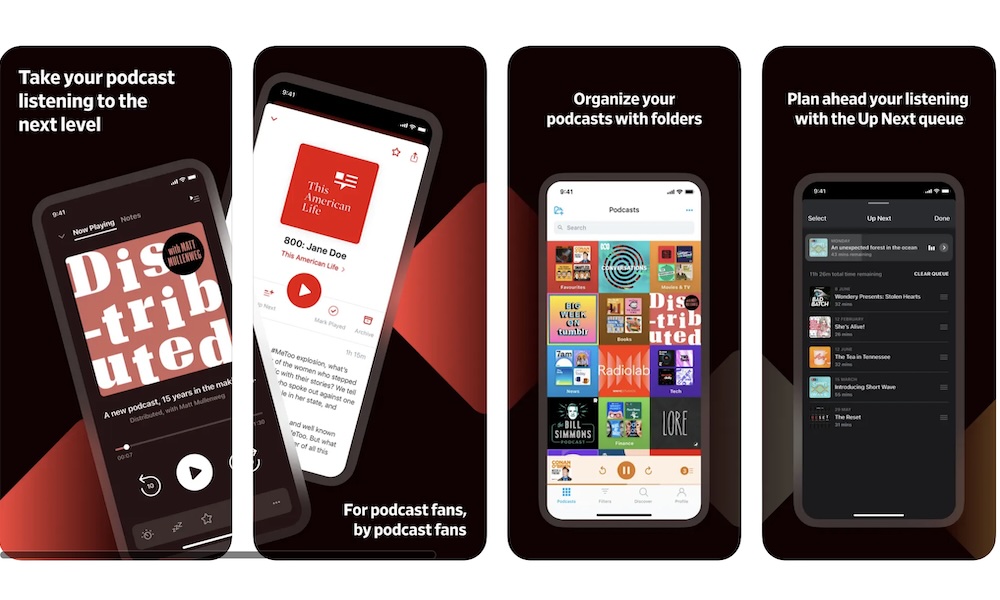
Apple Podcasts is already a solid option for listening to your favorite shows, but Pocket Casts provides even more for podcast lovers.
Pocket Casts is a podcast player that lets you discover shows and organize the episodes you want to listen to.
One of its most convenient features is its playback queue. You can choose several episodes and arrange them in the order you want to hear them, which is helpful when you follow multiple podcasts.
The app includes all the essential playback controls to fine-tune how you listen, including features like silence trimming to shorten awkward pauses in episodes.
Beyond streaming, Pocket Casts lets you download episodes for offline listening, so you can enjoy your favorite shows without relying on a cellular connection. You can also manage your subscriptions and keep track of new episodes from the podcasts you follow.
While Pocket Casts provides all the essentials — and then some — for free, more advanced organizational features like folders, bookmarks, cloud storage, and the Apple Watch app require a paid Pocket Casts Plus subscription, which starts at $3.99 monthly or $39.99 per year.
JustWatch

With so many streaming services available, figuring out where to watch a particular movie can become more than annoying. You might search for a title on Netflix only to discover that it isn’t available.
The problem is worse if you’re outside the US, as Google might tell you one thing while streaming services say another. But apps like JustWatch help you avoid that by bringing all the data about shows and movies into a single app.
You can search for a movie or show and see which platform has it in your region. You can also create a watchlist to make it easier to track movies and shows you want to watch later.
And if you don’t know what to watch, the app has you covered. You can browse recommendations as well, and find your next watch based on the popularity of whatever genre you’re in the mood for.
Just keep in mind that streaming availability varies by country and changes over time. So make sure the app shows information for your region. Still, if you subscribe to many different streaming services, JustWatch can save you a surprising amount of time.
Make Your New iPhone Even More Useful
All of the apps on the list are really useful and will help you make your iPhone a better device for your work or personal life.
Of course, these aren’t the only ones available; there are many more apps you can choose from. The App Store itself has a long list of apps based on categories or how popular they are. You can start by looking at them and go from there.
Just keep an eye out for sneaky subscription paywalls as you browse — if an app feels too pricey for what it offers, there’s almost always a great free alternative waiting to be found.