
Streamline Your Job Search with These 11 iPhone Apps
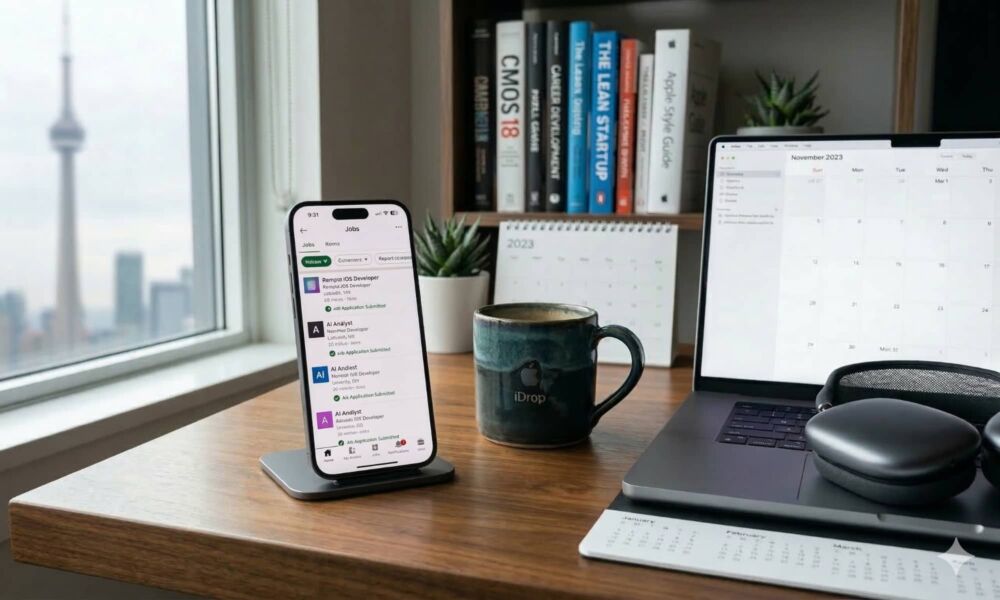
Job hunting can feel overwhelming because it’s a whole process happening at once. You have to start by finding new openings before they go stale, applying quickly without sending sloppy materials, keeping track of who you contacted, and showing up to interviews prepared.
The good news is that we have technology on our side. As it turns out, your iPhone can carry a lot of the job-seeking load for you — not by doing the work for you, but by making the workflow smoother.
You can use your iPhone for alerts that catch the right roles early, saved resumes that cut application time in half, tools that help you research companies quickly, and apps that keep your job applications from turning into a chaotic mess.
If you want to get a new opportunity or just see what options are available, read on for 11 of the best apps that will help you land a job as quickly as possible.
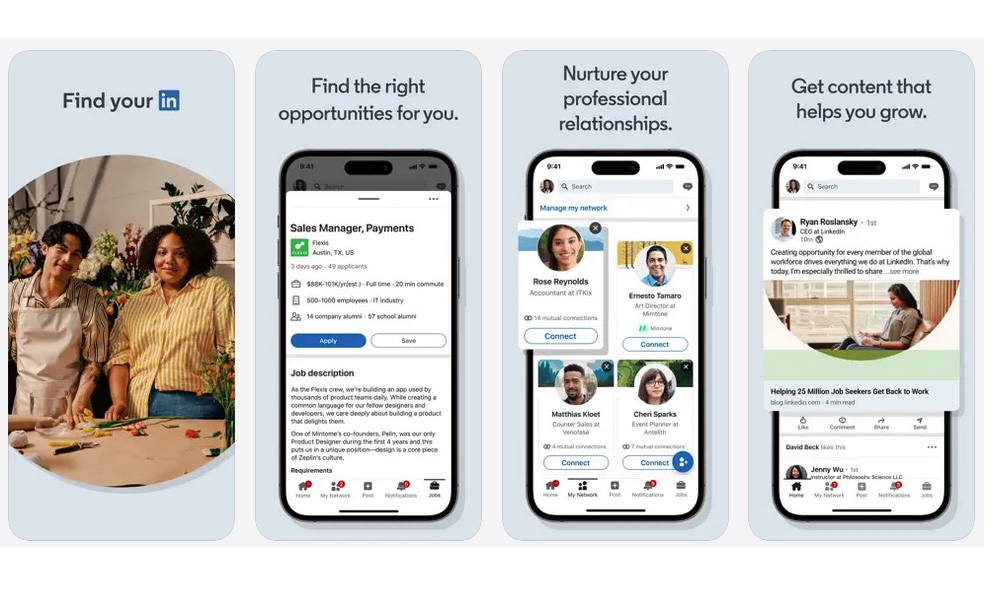
If you only install one job app, make it LinkedIn. That's not because it has everything you need, but because it’s where recruiters actually look. A solid profile can bring opportunities to you, which is a very different experience from applying to dozens of places all day.
LinkedIn is also one of the easiest ways to figure out what a role really wants. Job posts often include the hiring team, the recruiter, or people already doing the job. That makes it easier to tailor your application, and it can help you find a warm intro instead of being another random candidate.
To get the best value out of LinkedIn on your iPhone, set up job alerts for your target titles and locations, then tighten the filters until you’re not getting useless job opportunities. Also, don’t ignore the messaging side. A short, respectful message to a recruiter or hiring manager can create a more personal moment than your resume alone.
LinkedIn Learning
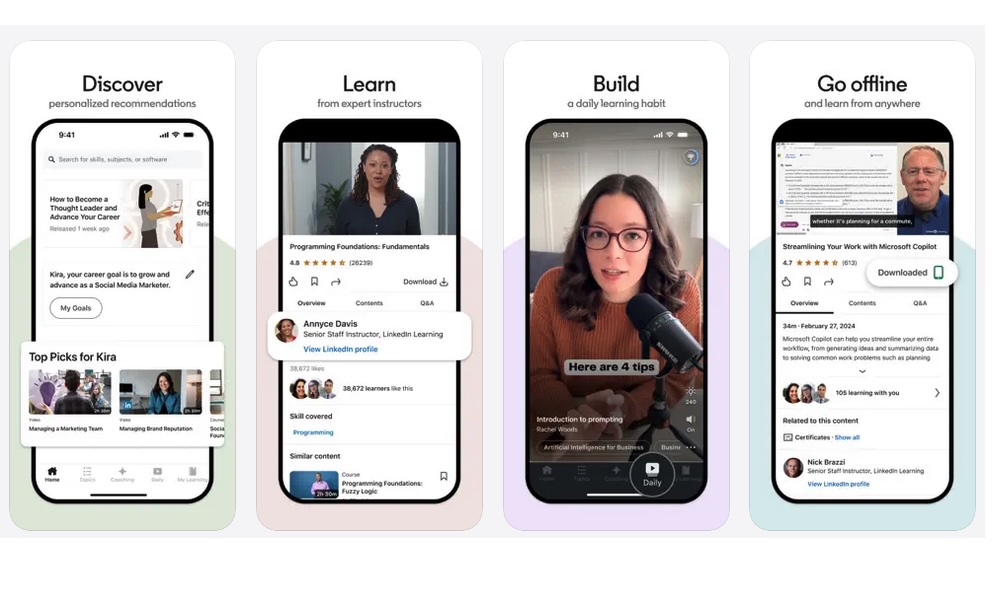
Learning apps only matter if you use them, and LinkedIn Learning is one of the few that can connect your learning directly to how you market yourself. If you’re trying to pivot industries, close a skill gap, or simply get yourself up to date, this is a quick way to make progress without committing to a whole new career to study.
The best part about LinkedIn Learning is that you can use it alongside the main LinkedIn app to land the best job opportunities. For instance, if you see that many job descriptions ask for a specific skill, you can search for it in the learning app.
Then take a course that directly supports that skill and update your LinkedIn profile immediately after. That one small change can make you more searchable and give you a clean talking point in interviews.
Beyond that, one of the best reasons to use LinkedIn Learning on your iPhone is that it supports offline downloads. You can turn commuting time, waiting rooms, or even a quiet lunch break into something useful. Sure, it might feel like extra work at first, but it will definitely be worth it.
Indeed
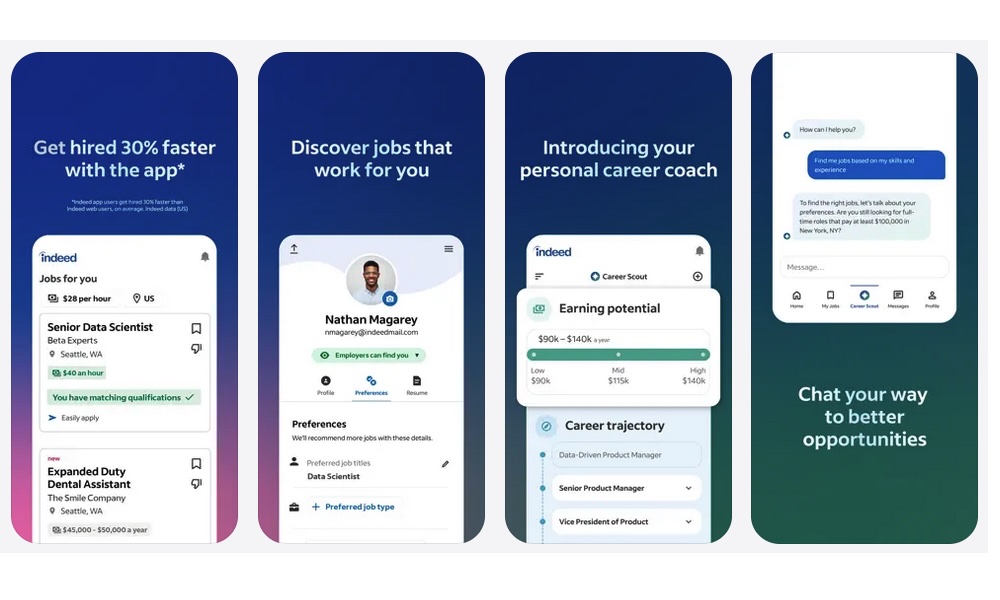
Indeed is one of the largest job search engines, and for good reason. While it might not always be the most curated experience compared to other apps on the list, it’s one of the fastest ways to see what opportunities are out there, especially if you’re applying broadly or you want to compare how different companies describe the same role.
The biggest advantage of Indeed on iPhone is how easy it makes it to job hunt from anywhere. Once your resume is uploaded, you can apply to many roles quickly, and the app does a decent job at tracking where you’ve applied, so you don’t accidentally try for the same position twice before you even get a response.
If you want a more personalized experience, you can go in with filters, save the roles you actually want, and apply to them manually or with more intent. If you’re applying to ten jobs a day, you’ll get better results applying to fewer roles with a tighter match than spraying applications everywhere.
ZipRecruiter
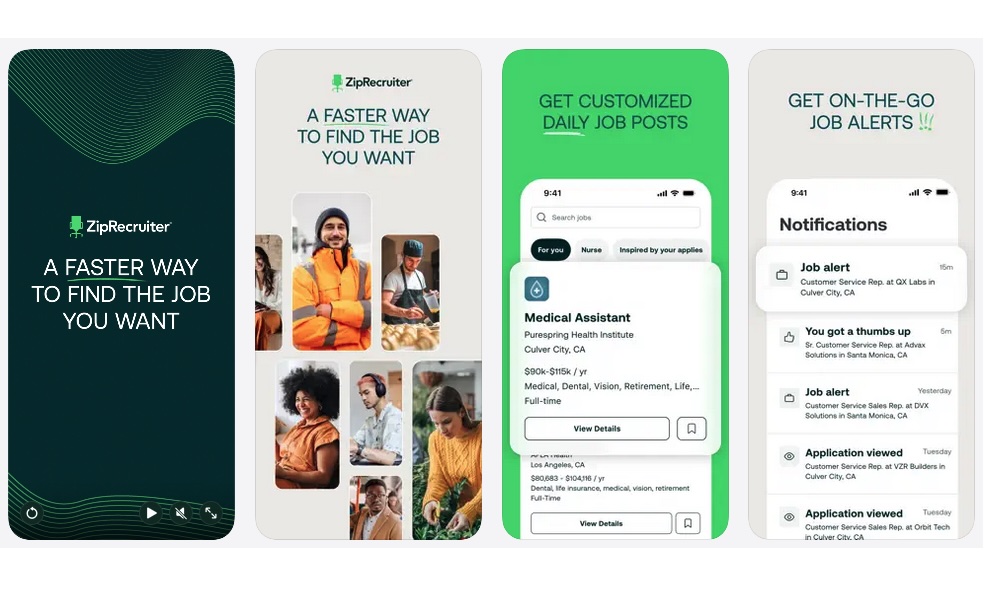
ZipRecruiter is built for fast matching, which makes it a strong option when you want to land a job quickly without worrying about who’s offering it. Once your profile is set, it pushes roles that fit your criteria and makes it easy to apply in a flash.
It’s especially helpful when you’re in that phase where you’re trying to find as many opportunities as possible. In that case, you want multiple active conversations happening at once, so you’re not emotionally stuck on one application. ZipRecruiter can help keep that flow going without eating your whole day.
After you set it up, pay attention to what it suggests. If the recommendations feel off, tweak your job title keywords and the app settings. That might seem like a small change, but it can change your results drastically.
Glassdoor
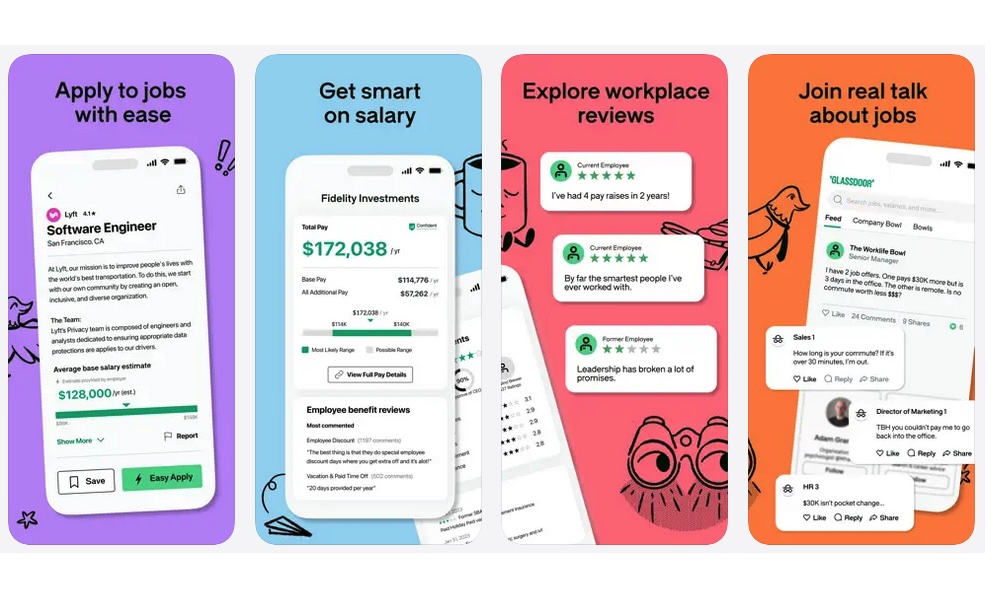
Glassdoor is less about finding the right job and more about avoiding the wrong one. It’s easy to get excited about a role and ignore warning signs, especially when you’re tired of searching. Glassdoor tries to avoid that with features like the ability to see what other people think of the company or the job.
Salary ranges, employee reviews, and interview experiences can keep you from walking into a bad situation. It also gives you leverage when negotiating your salary because you tend to take fewer guesses on what a company tends to pay.
This app becomes even more useful once you've scheduled an interview. If you can find real candidate-reported interview questions for that exact job title, you can practice smarter instead of doing generic prep that doesn’t match the role.
Monster
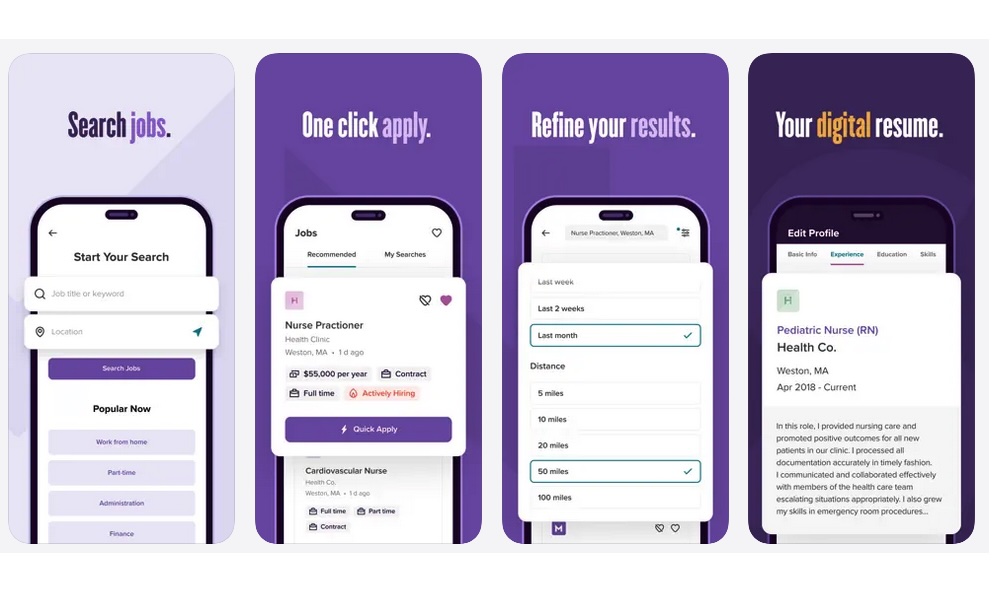
Monster has been around forever in internet years, and that’s actually the reason it can be useful to you. Some companies still post there, and some roles surface on Monster that you might not see in other apps on the list.
While Monster probably shouldn’t be your main job searching app, you can still think of it like a second safety net. Don't rely on it alone, but use it to widen the opportunities you find, especially if you’re searching in industries that still use more traditional job platforms.
Using this app on your iPhone is pretty straightforward: upload your resume, set filters, create alerts, and wait for the right opportunities to come along.
Dice
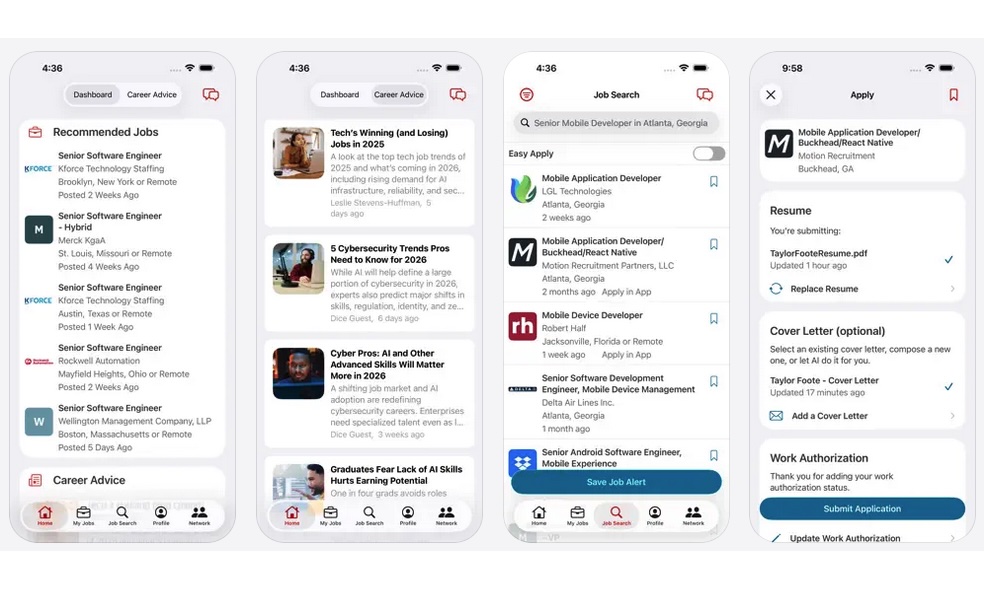
If you’re applying for tech roles, Dice is worth adding to your iPhone. This app tends to focus on tech careers for developers, IT, data roles, cybersecurity, and similar positions, and can surface openings that are harder to spot elsewhere.
The best thing you can do on Dice is build a keyword-rich profile that mirrors the job descriptions you want. Of course, that doesn’t mean you should spam every relevant keyword, but using the same language employers use will make it easier for tech companies to find you.
Tech recruiters know how these apps work, so the hiring process is often driven heavily by keywords or specific terms, and Dice is one of those platforms where this actually matters.
Handshake
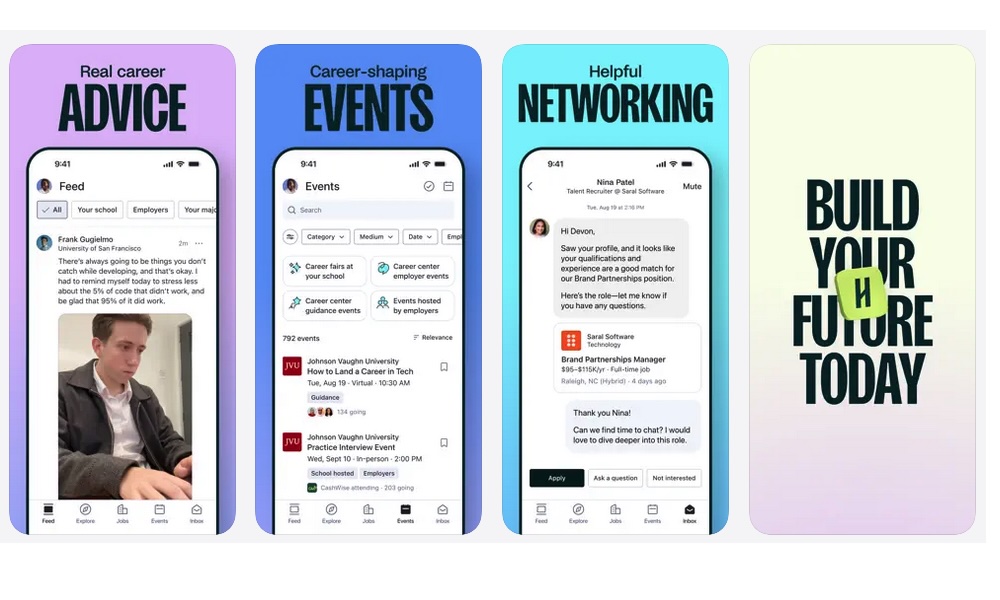
Handshake is a great app for students, recent grads, and early-career job seekers. It’s built around university-connected recruiting, career fairs, and employer events, which is a very different world from traditional job boards.
Even if you feel like you’re past the “university” stage, Handshake can still help if you’re looking for internships, apprenticeships, rotational programs, or entry-level roles that companies offer to a wider variety of people.
On iPhone, this app is especially useful for staying on top of deadlines and events. Some of the opportunities might not be available for long, and having your iPhone searching for them constantly might help more than you know. Plus, you can get advice from other people using the app and even start building a network of people who want a job similar to yours.
FlexJobs
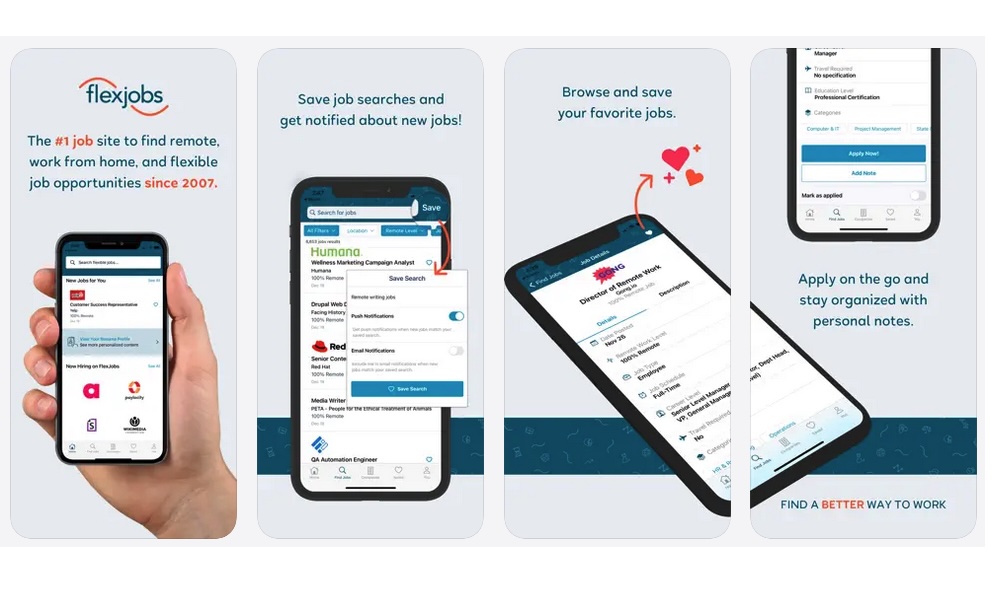
Finding remote work can be messy, with low-quality listings and scams seemingly everywhere. FlexJobs became popular because it tries to reduce that noise with more curated postings focused on remote, hybrid, part-time, and flexible work.
This matters because the remote market attracts scammers and bait-and-switch listings. Even more experienced people waste hours applying to roles that aren’t real or aren’t actually remote. FlexJobs can be a time-saver if your priority is flexibility and you want fewer questionable listings.
One important note: some features may depend on your subscription plan. While FlexJobs is free to download, it's one of the few on our list that typically requires a subscriptionf or full access. Even so, many job seekers find value simply by browsing and learning which companies consistently offer remote-friendly roles, then applying directly through those employers as well.
Upwork
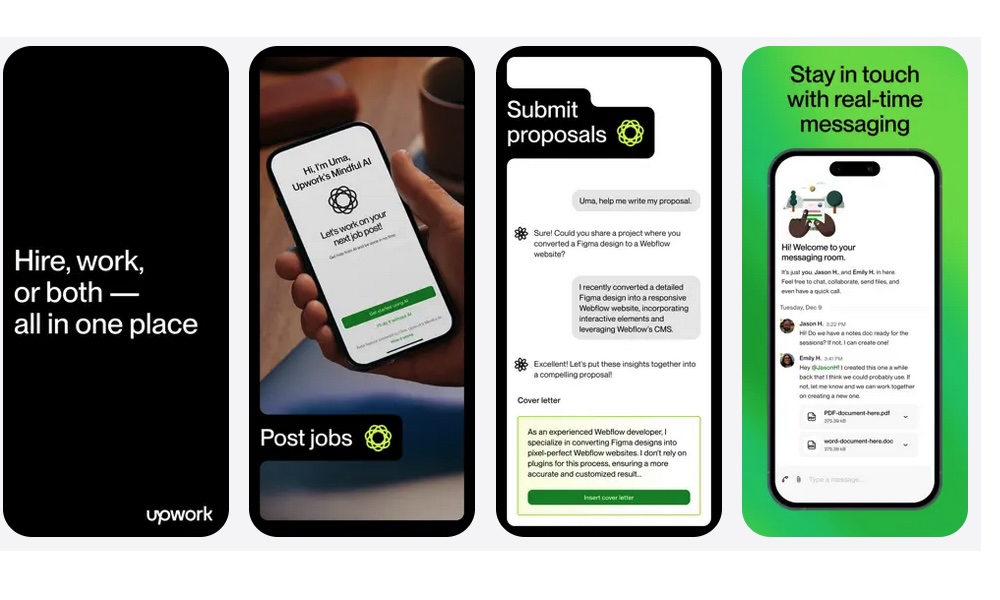
Upwork isn’t a traditional job board, but it can be one of the smartest tools to use while you’re searching, especially if you need some extra cash while you hone your skills.
Rather than helping you find a traditional job, Upwork provides opportunities for freelance work. This can help fill gaps, bring in income, and help you build experience to make your resume feel more current. The iPhone app makes it easy to respond quickly to invites and messages, and speed really matters here. When a client posts a project, they often start talking to the first few decent applicants who respond with a clear proposal.
If you use Upwork, keep your offers specific. A focused, well-thought-out profile that says exactly what you do and who you help is more likely to land gigs that don’t feel like a grind.
Fiverr
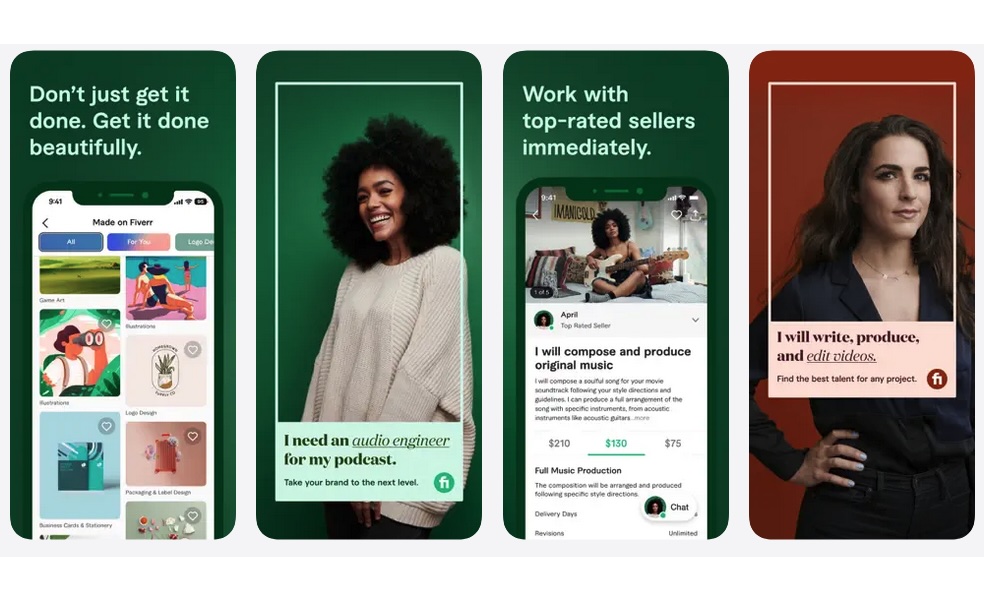
Upwork can be a great platform, but novice freelancers might have a harder time being accepted on it. Luckily, there are other options available to help you find gig work. Enter Fiverr.
This app flips the job search model around. Instead of applying for roles, you create a service offer and let buyers come to you. This can work well for creative and digital services like writing, editing, design, video, voice work, social media, and more.
Many Fiverr buyers choose sellers who reply quickly and communicate clearly, even before the first order, which is why the app is so incredibly useful.
As long as you make your offers easy to understand, set expectations, and show examples of your work, you should be able to find a client or two fairly quickly. Be warned, though, there's a lot of competition, so you’ll need to try to stand out from the crowd.
Find the Next Opportunity You're Looking For
Job hunting is easier when you’re using the best tools you can access. You need a mix of discovery, speed, research, and organization, and your iPhone can cover all of those if you set it up the right way.
Once you have a few reliable apps doing specific jobs, you stop feeling like you’re chasing everything at once. Instead, you’re building a system you can stick with. One that helps you spot better roles, apply faster, and show up to conversations prepared.
Or, if you’re trying to make money more quickly, your iPhone can also help you land gigs that will help pay the bills until you get a more stable opportunity.
The best part is that all of the options on this list are free to start using. So you can try all of these apps at the same time, albeit that can be a bit overwhelming. So it’s best to pick a couple of them and get started. After you’ve created a better system, you can come back and try other options out.