
Stop the Scroll: 10 iPhone Apps That Are Better Than Your Social Feed
 Priscilla Du Preez
Doomscrolling is sneaky because it feels like you’re doing something productive. You’re reading, keeping up with friends’ updates, or just checking the news to stay informed. Then you look up and realize you gave away 45 minutes of your day to an endless feed that didn’t actually give you anything back.
This is a modern form of addiction that most of us suffer from. But if you want to fix this issue, an easy way to do it is by swapping the feed for apps that still feel instantly engaging the second you open them, but leave you calmer, smarter, more entertained, or genuinely reset when you’re done.
The goal isn’t to turn your iPhone into a productivity robot; it’s to make your default time-killing apps something that won't drain your energy.
Here are some great replacements you can install right now. Depending on what you want, they can help you become smarter, be more active, or just learn something new. You’ll still get that quick hit of dopamine, just with a better payoff. Read on for 10 apps to save you from doomscrolling all day.
Pocket Casts or Apple Podcasts
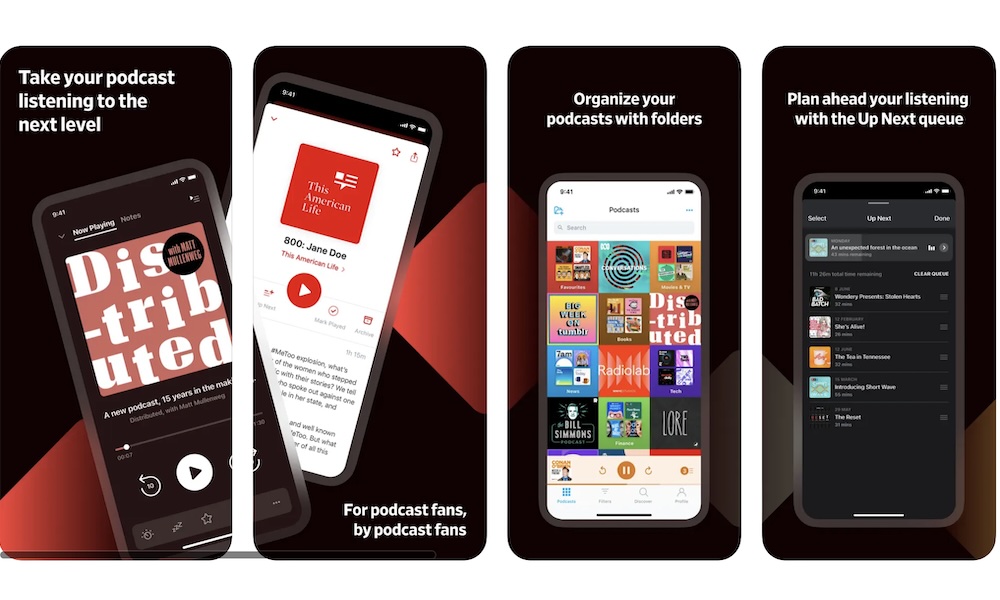
If you want something you can open instantly that doesn’t demand a lot from your eyes, podcasts are the best solution.
Pocket Casts is popular because it makes managing a queue feel effortless, especially if you listen to a mix of news explainers, interviews, tech shows, and long-form stories. It’s the kind of app you can tap open, hit play, and immediately switch from doomscrolling to listening.
The best part is how well podcasts fit into your everyday life. You can listen while you walk, cook, clean, commute, or do literally anything where doomscrolling wouldn’t even make sense. That turns your iPhone into background entertainment instead of a tiny computer always demanding your attention. And if you’re the type who likes keeping a steady rotation of shows, Pocket Casts makes it easy to keep new episodes organized so you always have something ready.
Apple Podcasts is also a strong option if you prefer Apple’s built-in apps and want your listening progress synced across all your Apple devices.
Libby
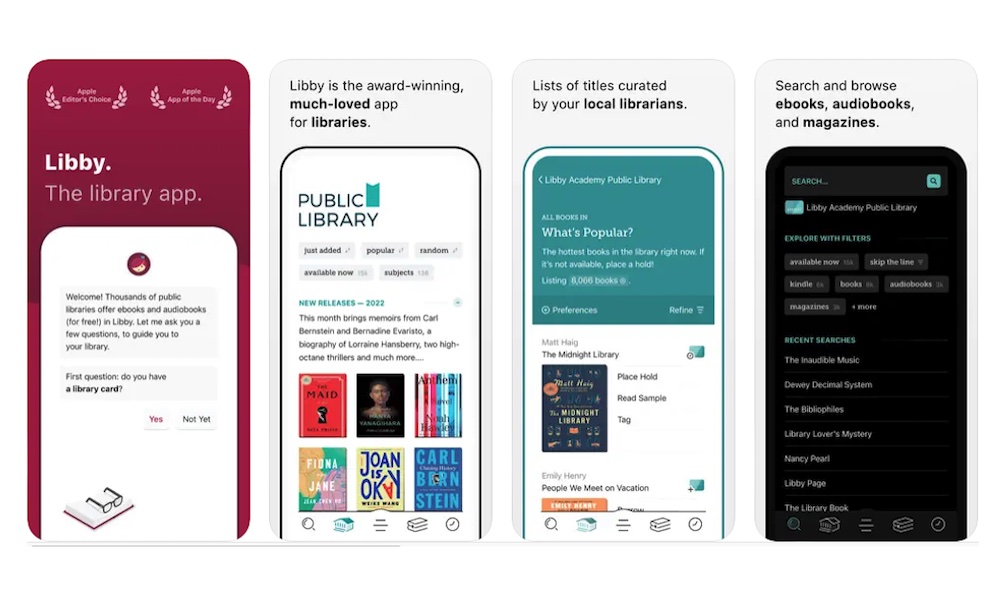
Libby is one of the best apps on iPhone that you’ll regret not downloading sooner. If your local library supports it, Libby turns a library card into a free pipeline of ebooks and audiobooks. That means your boring moments can turn into actual reading time without buying anything.
What makes Libby a great doomscroll replacement is how easy it is to jump in and out. You can read a few pages while waiting somewhere, then pick up later without losing your place. The app handles bookmarks, so it will remember where you left off. Additionally, it holds and borrows in a way that feels surprisingly modern for something tied to a library system.
Audiobooks are also a major reason Libby works so well. If you’re tired, stressed, or just not in the mood to stare at text, you can switch to listening and still feel like you’re doing something restorative instead of just consuming whatever the algorithm serves you.
Granted, it’s not perfect. Since it's really just a digital version of your local library, if a book you want to read isn’t available, you’ll need to wait until someone returns it. Speaking of which, you’ll need to “return” the book you’re reading after a while, so you’ll have to be quick if you want to read everything before your time ends.
Still, that’s a small price to pay to get the chance to read both classic and new books for free.
Amazon Kindle
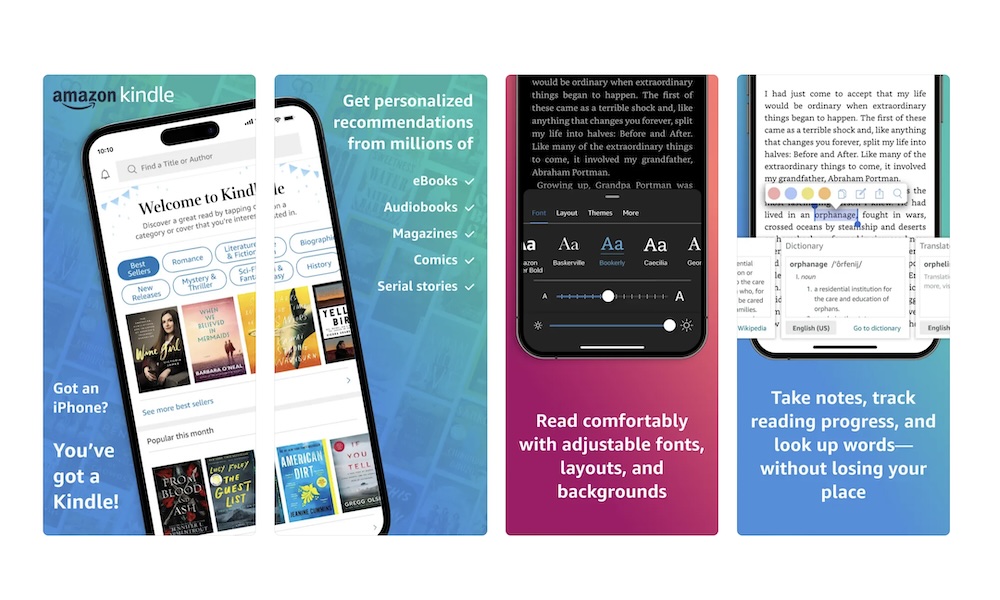
Kindle on iPhone is one of the fastest ways to turn your boring moments into something more interesting. You don’t need a Kindle device, and you don’t need a fancy way of reading.
While you'll likely need to buy digital books on Amazon to get the most seamless experience from the Kindle app, there's also a selection of titles available for free. Avid readers can also opt for a Kindle Unlimited monthly subscription to get access to millions of book at no extra charge.
You can also use the app to check out new books you might like, and even read some samples before purchasing them. And if you’re more of a comic reader, you’ll also find a ton of different graphic novels to buy, alongside a useful reader that lets you move between panels so you don’t have to wear your glasses or zoom in on the page to enjoy the action.
Another great thing about the Kindle app is that it doesn’t just support Amazon e-books. If you already have a digital book or a PDF file you want to read, you can add it to your library in a few taps. You can send books or PDF files to your Kindle app via email and start reading as soon as they show up.
Just like Libby, Kindle works because it lets you be entertained with something other than an endless loop of short-form content. Plus, when you open the app, you’re instantly back where you left off, which is the same convenience people love about social feeds, just pointed at something that's more useful.
It also helps that the reading experience is completely customizable. You can change fonts, spacing, and themes so reading on a phone feels comfortable instead of cramped. Plus, you can start reading on your phone, and then pick up your book on your computer, tablet, or a Kindle device if you have one.
And if you like reading at night, the darker themes and night-friendly options make it easier to wind down without blasting your eyes with bright white pages.
Duolingo
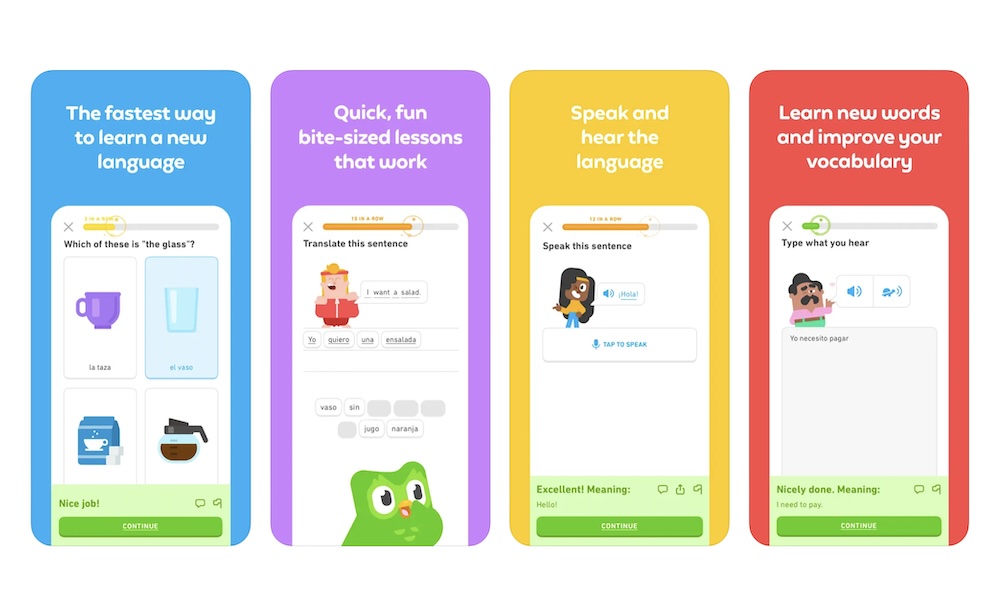
Duolingo is a unique app that makes learning easy and fun, kind of like scrolling through YouTube Shorts. The lessons are short, the feedback is quick, and it’s designed to make progress feel obvious even when you only have a few minutes.
If your doomscroll sessions usually start when you want a quick distraction, Duolingo fits perfectly. You can do one lesson, get a little win, and stop. Or you can keep going if you’re in the mood. The difference is that the time isn’t wasted; you actually walk away with new words, better listening skills, and feeling good about yourself.
If you’re constantly waiting for someone, sitting in a car, or simply looking for ways to pass the time, this app is perfect, and much better than just doomscrolling your life away.
Brilliant
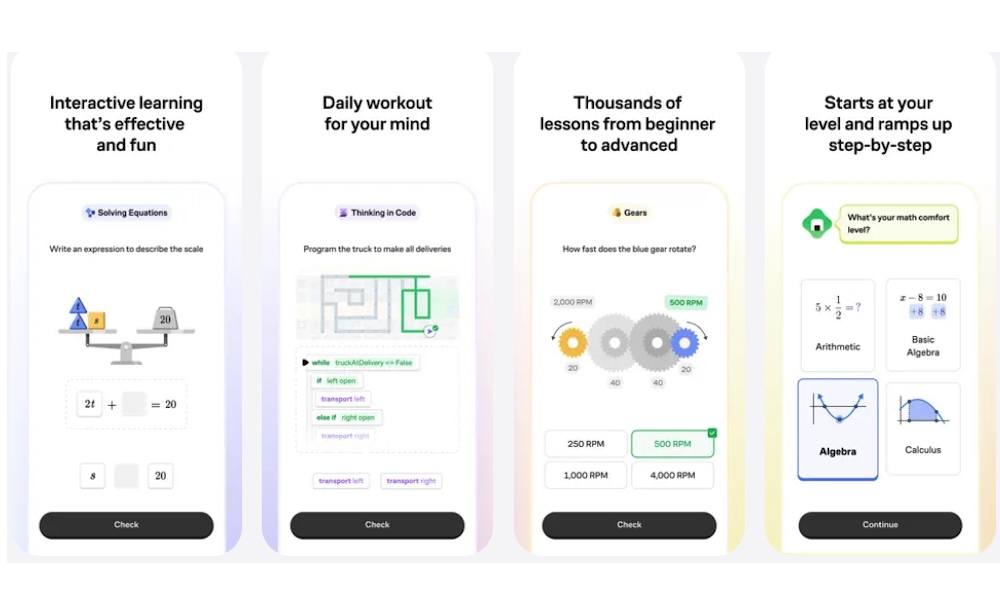
Brilliant is for those moments when you want to feel your brain turn on again. The app focuses on interactive learning, which makes it feel more like solving puzzles than sitting through lectures. Instead of passively watching something, you’re working through ideas, patterns, and problems in a hands-on way.
That’s why it works so well when you’re tired of endless content but still want something engaging. The app gives you that same sense of immediate stimulation, but it’s anchored to progress. You can do a short challenge, feel your brain being stimulated, and stop without feeling like you wasted the time.
If you like logic, math, science, or computer science concepts, it’s an easy app to recommend because it doesn’t feel like school. It feels like you’re sharpening your thinking in small, satisfying bursts.
Headspace or Calm
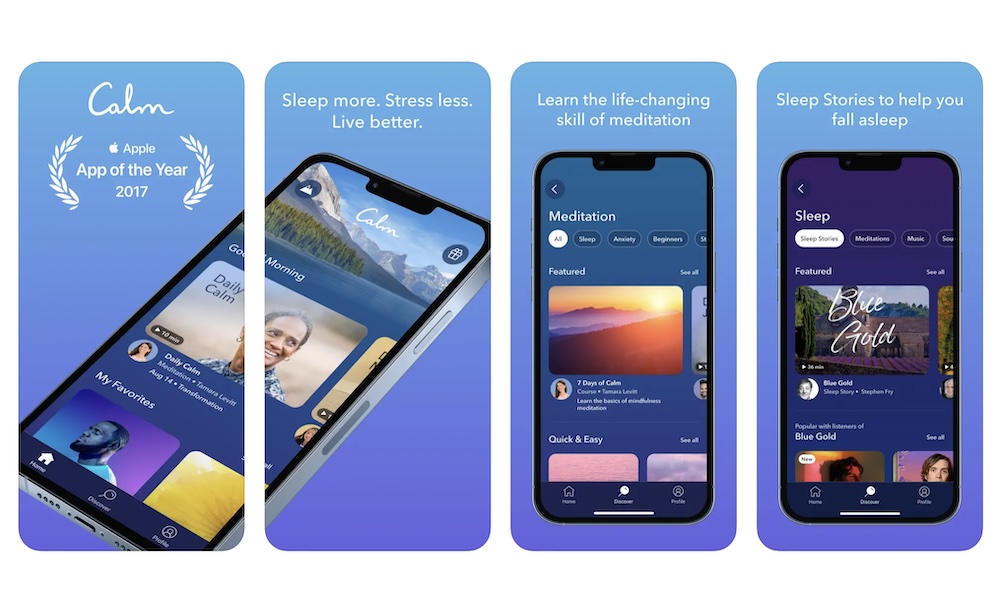
If doomscrolling is your default when you’re stressed, restless, or trying to shut your brain off, Headspace and Calm are great replacements. Both apps are built around quick sessions you can start in minutes, which matters because most people won’t meditate if it feels like a huge commitment.
The idea here is to use these apps as a short reset button. Two minutes of breathing guidance, or a five-minute meditation to calm your nervous system while you’re at work or before a test, will do wonders for your body. Or maybe pick a sleep story when you’re tempted to keep scrolling in bed. These are tiny changes that can completely change how your night goes.
Both of these apps are great, but they also offer a subscription if you want to use all of their tools. So you’ll need to see which one is best for you. Either way, the point is the same: if you want your phone to help you unwind, this is the type of app that does that better than almost anything else.
Day One
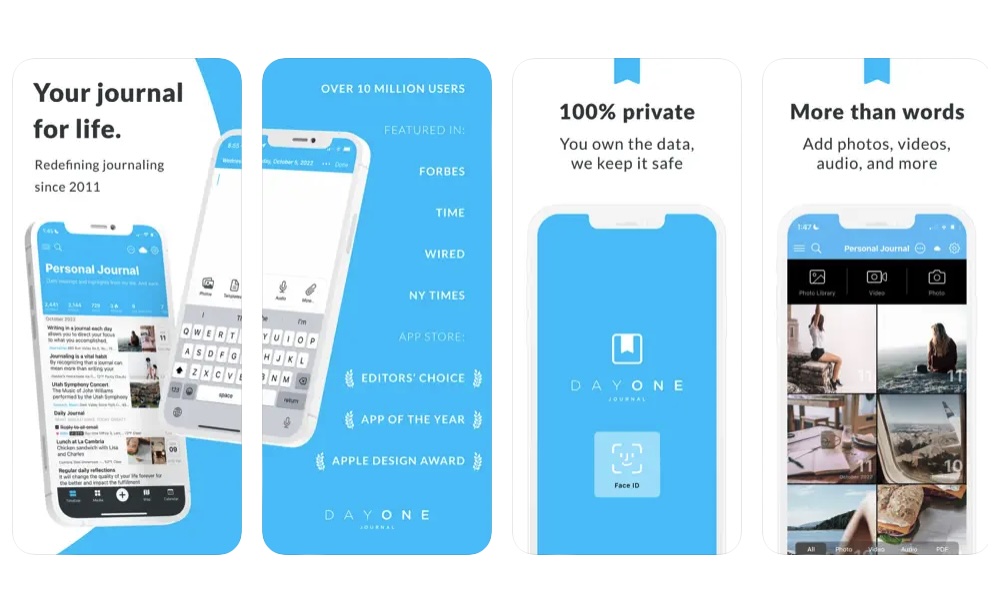
Day One is the journaling app for people who want journaling to stick long-term. It feels like a proper home for your thoughts, with great organization tools and more control over how you capture entries. If you like the idea of journaling but want something more robust than a notes app, Day One is often the way to go.
What makes it a good doomscrolling replacement is that sometimes we tend to use apps like TikTok to clear our heads from stressful thoughts or things we have to do. And while doomscrolling helps with that, it doesn’t fix the issue; it just pushes it away for some time. With a journaling app, you can put those worries into an entry, which can help you organize your thoughts and maybe even come up with a way to handle them.
On the other hand, you can also use Day One to immortalize your most recent memories. You can write a quick entry, attach a photo, tag it, and move on. Over time, it becomes a searchable archive of your life and your thinking, which is something doomscrolling will never give you.
NYT Games: Wordle & Crosswords
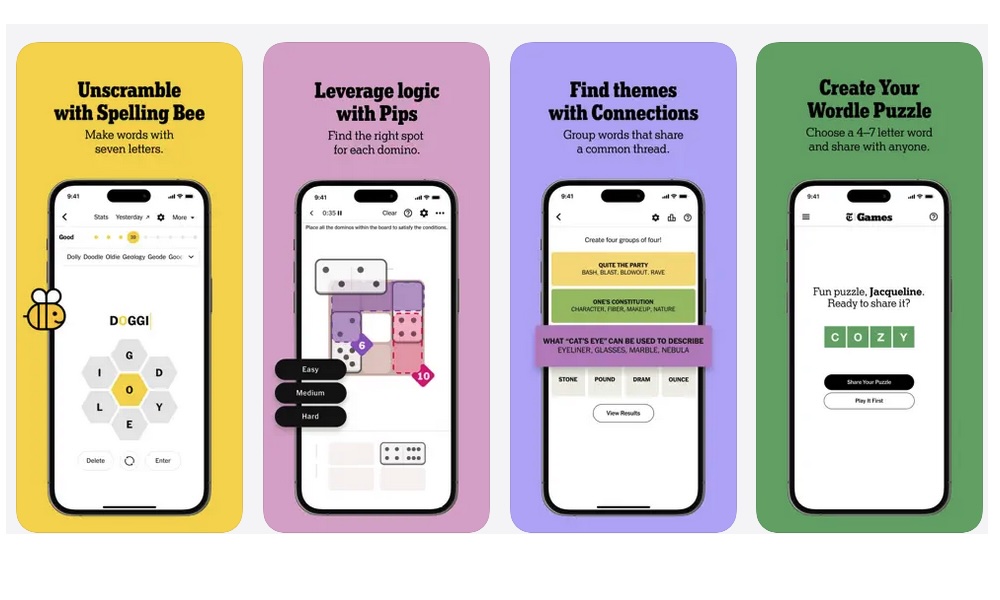
Puzzles are perfect for replacing doomscrolling because they are engaging, satisfying, and finite. A feed never ends, but a puzzle does. That alone makes your time feel more intentional.
NYT Games is popular because it offers daily puzzles that are fun and quick to do. You play the day’s puzzle, you finish, you move on. That’s a much better loop than going to X and checking everything that happened while you were away.
The specific puzzles you’ll enjoy most depend on your personality. Some people love word games. Some people want crosswords. Some people want quick logic games.
Fortunately, there are different games for different people. The point is that puzzles give you a quick mental challenge without making you waste your whole day on them.
Lichess
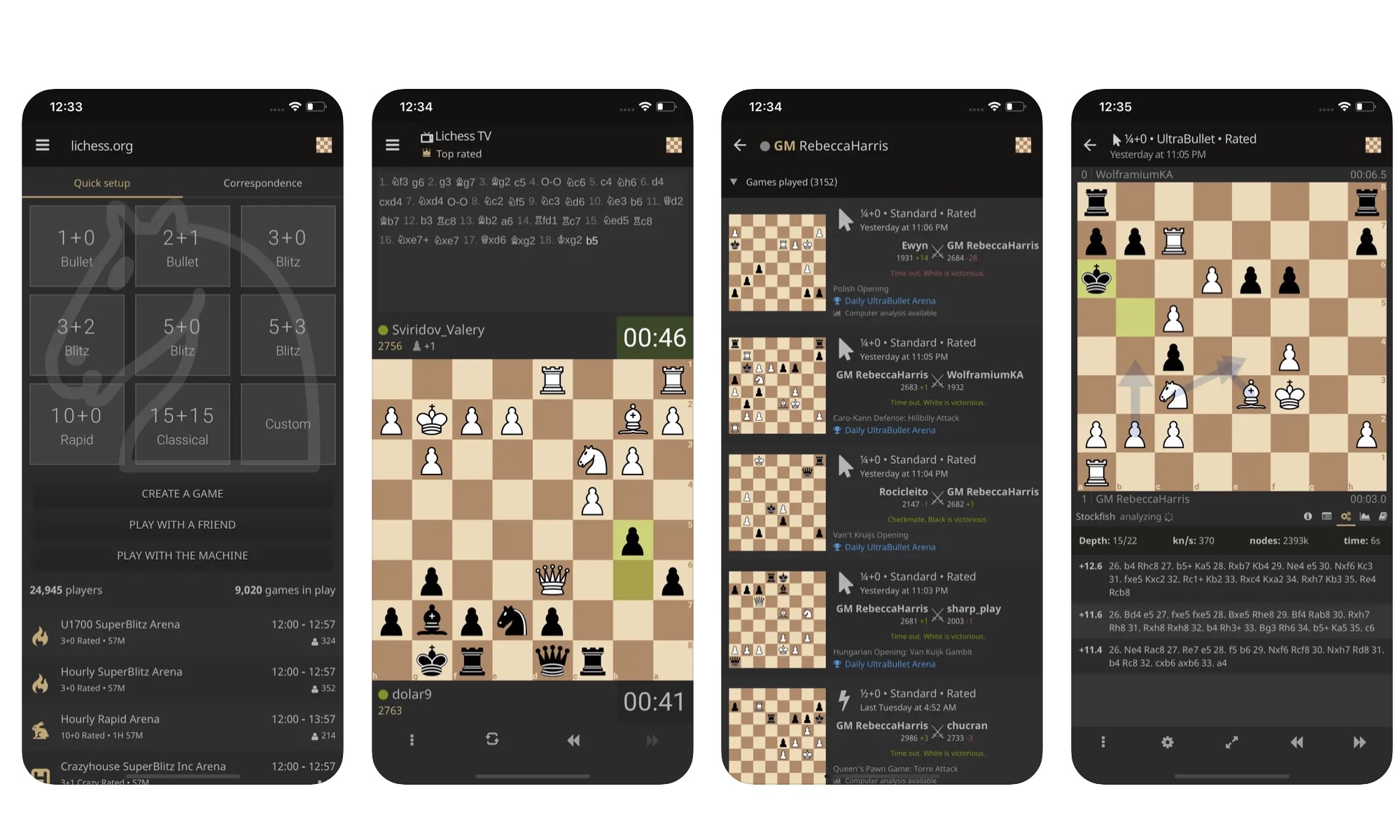
Chess apps are another great replacement when you want something that feels instantly interesting, and it also builds skill over time. You can do a quick puzzle, play a short game, or learn something small without committing to a long session.
Chess also has a built-in start and finish, which is a big deal. Even if you lose, the experience is contained. You’re not being dragged into an endless stream of content designed to keep you slightly irritated and slightly curious forever.
Whether you’re starting in the world of chess or are already a seasoned veteran, Lichess is a great app to try. Thanks to its straightforward interface, people who just want to play without any extra fluff love it. Plus, all of its features and content are free for everyone. So you can learn, practice, and read chess-related content without spending a dime.
Nike Training Club or Fitbod
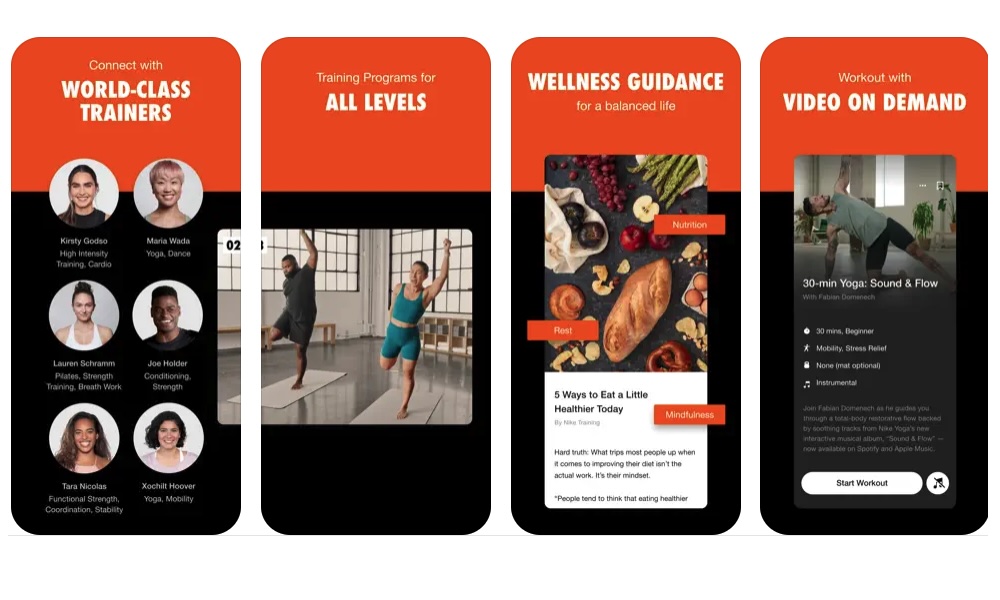
Sometimes doomscrolling happens when your energy is low, and your brain wants a quick escape. Movement is one of the fastest ways to change that mental state. You don’t need a full workout plan; you just need something that gets you moving for ten minutes and makes you feel more alive.
Nike Training Club is great because it offers guided workouts by time and goal, including options that don’t require equipment. You can open the app, pick a short session, and you’re instantly doing something that actually improves your day.
Fitbod is a strong alternative if you want something more structured around gym workouts and training plans. Depending on the setup, it can help generate workouts and keep your sessions organized so you’re not guessing what to do next.
The biggest advantage is that these apps give you a quick reset that you can feel immediately. You’re not just killing time, but you’re changing how you feel in your body. Not only do you forget about doomscrolling, but you’ll feel better mentally and physically.
Take Back Control of Your Free Time
Replacing doomscrolling doesn’t have to mean turning your iPhone into a boring device that only does chores. As long as you keep the same level of convenience you like about scrolling while switching what you’re actually doing.
There are many apps that are quick and easy to use. They also give you a small boost in dopamine, like TikTok or Instagram. But the biggest difference is that you’re actually doing something more productive with your time.
That doesn’t mean you should never use apps like Instagram again. But you need to be the one in control, and not let an algorithm tell you how much of your time you give to an app.
Of course, you don’t need to try all of these apps at once. Pick two or three that match your personality, put them on your Home Screen where your social apps usually live, and make them the first thing you tap when you catch yourself going for that addictive app you want to quit. It might take some time and effort, but the payoff will be worth it.