
Just Got a New Mac? 10 Essential Settings to Change Right Now
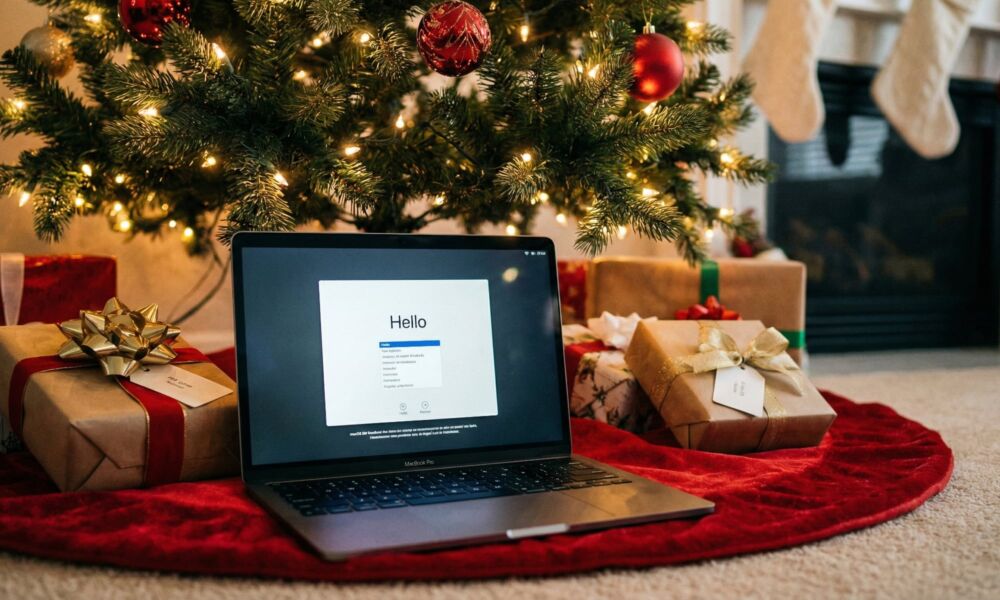
If you found a new Mac under the tree this year, you’re in for a real treat. Unboxing a new Mac is one of those feelings that never gets old. Even if you’ve used macOS for years, there’s still a moment after you’ve gone through the setup screens that you may not be sure what to do next.
That’s even trickier if this is your first Mac. If you’re coming from Windows, there are a few things that work just a little differently on a Mac, and getting your setup right on day one will save you a ton of time later.
To help you set up your Mac the right way, we’ve gathered some of the most important steps to take first. Sure, it might be a bit boring, but it will make sure your Mac is ready to use once you’re done. Read on for the 10 things you should do once you’ve finished the initial Mac setup.