
Stop the Drain: 8 Simple iPhone Settings to Save Your Battery
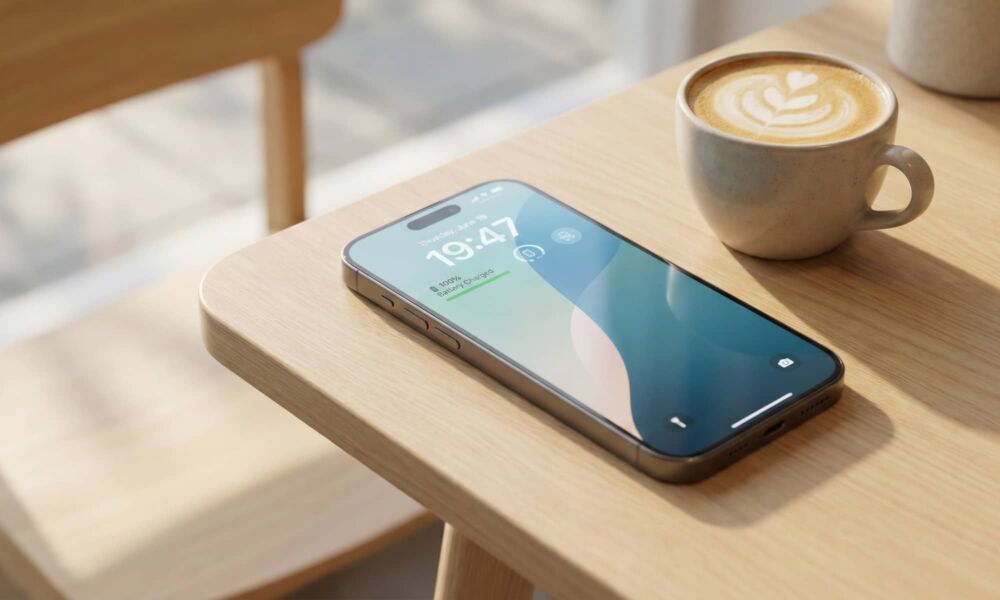
Every iPhone is bound to experience battery life problems sooner or later. Even if your iPhone is in great shape now, you can’t change the laws of physics — all batteries wear out over time.
Of course, that doesn’t mean there aren’t things you can do to slow down your battery’s aging process. Putting more stress on your iPhone does the same for your battery, causing it to get old before its time.
It’s not always your fault, though. A lot of power drain comes from background activity you don’t see, like apps quietly refreshing, location services checking in more often than you realize, and convenience features that keep waking your screen.
The good news is that you can easily do something about it without compromising your iPhone’s performance. Read on for 8 battery-saving switches that make a real difference without turning your iPhone into a stripped-down dumb phone.