
10 Tips and Tricks to Master Your New Phone
 James A. Molnar
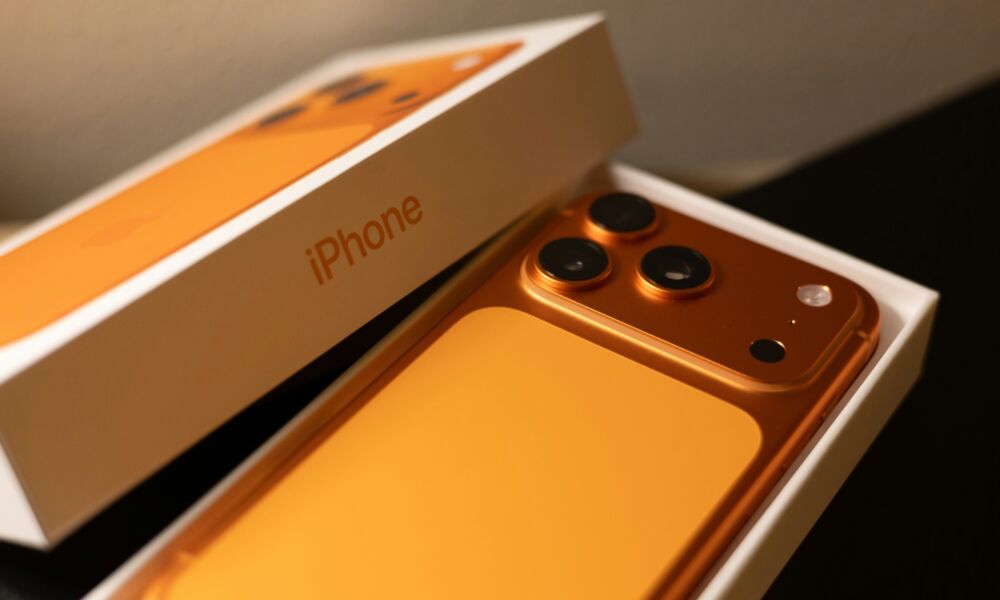
If this is your first time getting an iPhone, welcome. You’re going to love it. Of course, things might be a bit different from Android, but as soon as you start learning a handful of features that make the phone feel faster, cleaner, and more personal, it’ll feel like you’ve used iOS your whole life.
Once you understand how navigation works, how to customize your most-used controls, and how to take advantage of a few built-in shortcuts, using an iPhone is as smooth as butter.
Even so, all the features in iOS 26 can make it hard to know where to start. That’s also why many first-time iPhone users feel overwhelmed in the first few days.
The device can do a lot, but not all of its best features are immediately in front of you. The good news is you don’t need to learn everything at once; a few basic tips will help you understand the system quickly. To help you out with that, read on for 10 of the most useful tips and tricks that will help you master your new iPhone.